
Technologist Mag
  • Home
  • Tech News
  • AI
  • Apps
  • Gadgets
  • Gaming
  • Guides
  • Laptops
  • Mobiles
  • Wearables
  • More
    • Web Stories
    • Trending
    • Press Release

Subscribe to Updates

Get the latest tech news and updates directly to your inbox.

What's On
Windows 11 now has an app whose entire job is to push Bing

Windows 11 now has an app whose entire job is to push Bing

22 August 2026
Your Expired Visa Card Could Be ‘Zombified’ to Make Contactless Payments

Your Expired Visa Card Could Be ‘Zombified’ to Make Contactless Payments

22 August 2026
Review: Saily Ultra eSIM Premium Plan

Review: Saily Ultra eSIM Premium Plan

22 August 2026
HP’s 0 OmniBook 3 OLED laptop is an attractive MacBook Neo alternative with impressive battery claims

HP’s $600 OmniBook 3 OLED laptop is an attractive MacBook Neo alternative with impressive battery claims

22 August 2026
Set Up a Separate Work Profile on Your Android Phone

Set Up a Separate Work Profile on Your Android Phone

22 August 2026
Facebook X (Twitter) Instagram
Technologist Mag
SUBSCRIBE
  • Home
  • Tech News
  • AI
  • Apps
  • Gadgets
  • Gaming
  • Guides
  • Laptops
  • Mobiles
  • Wearables
  • More
    • Web Stories
    • Trending
    • Press Release
Technologist Mag
Home » Windows 11 now has an app whose entire job is to push Bing
Tech News

Windows 11 now has an app whose entire job is to push Bing

By technologistmag.com22 August 20262 Mins Read
Windows 11 now has an app whose entire job is to push Bing
Share
Facebook Twitter Reddit Telegram Pinterest Email

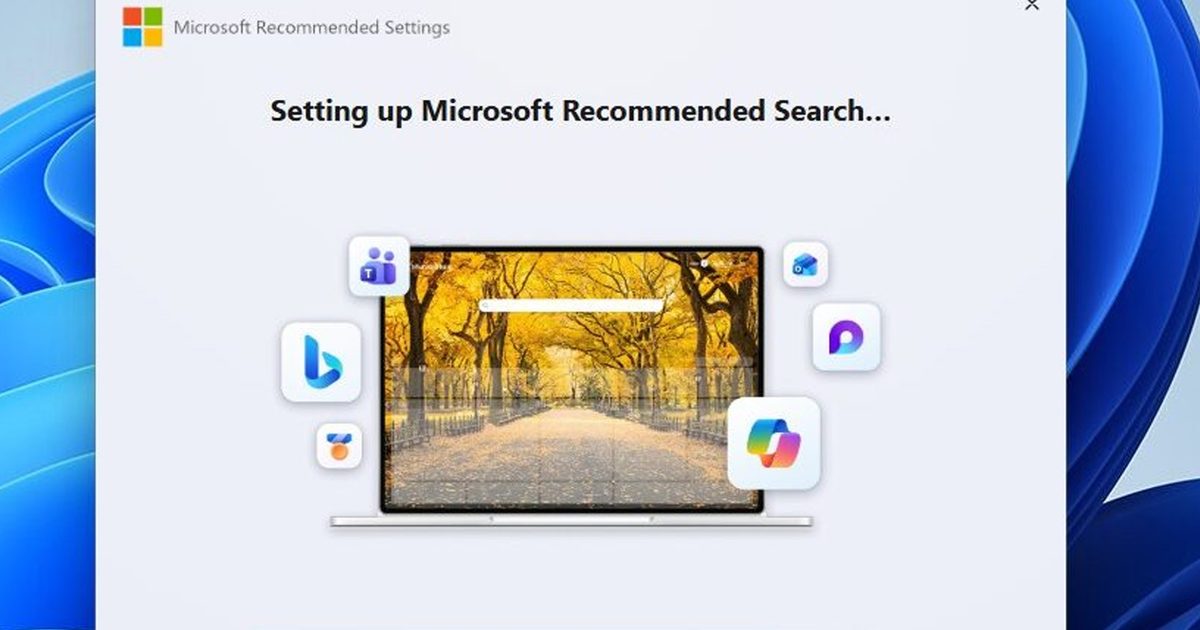
Microsoft apparently wasn’t satisfied with making Bing the default search experience inside Windows and Edge, so it has built an entire standalone app to encourage users to put Bing in other browsers too. Called Microsoft Recommended Search Settings, the Windows 11 utility can install Bing extensions and change search settings in browsers including Chrome, Firefox and Edge.

Yes, Microsoft actually built an app for this

The app is distributed as a standalone MicrosoftSettings.exe rather than through Windows Update or the Microsoft Store. According to Windows Latest, the roughly 22.2MB installer opens with a recommendation to set Bing as the search engine, with the option already toggled to “Yes.” Accepting the setup then prompts browsers to install Microsoft’s Bing extension.

The extension doesn’t exactly have a tiny job, either. Chrome warns that Microsoft Bing Homepage & Search can read and change data on websites, display notifications, and modify the browser’s homepage, search, and start-page settings. If a user accepts it, Bing becomes the default and the new-tab experience gets Microsoft’s familiar MSN feed.

Things get particularly funny when Chrome notices what’s happening. Windows Latest found that Chrome immediately offered to switch the search engine back to Google, while Microsoft responded with its own warning that doing so would disable the Bing extension and remove access to Bing Search and wallpapers. For a brief moment, the browser turns into a tiny corporate battleground. The irony? Microsoft is simultaneously trying to declutter Windows Search, removing the MSN tiles, sponsored shopping cards and trivia that had made it increasingly busy.

But do we really need Bing everywhere?

To be honest, there’s nothing inherently wrong with Microsoft promoting Bing. Users can still change their search provider, and Bing offers plenty of legitimate features. But building a dedicated app to push Bing into browsers that users have already configured feels like a lot of engineering for a problem nobody was exactly begging Microsoft to solve.
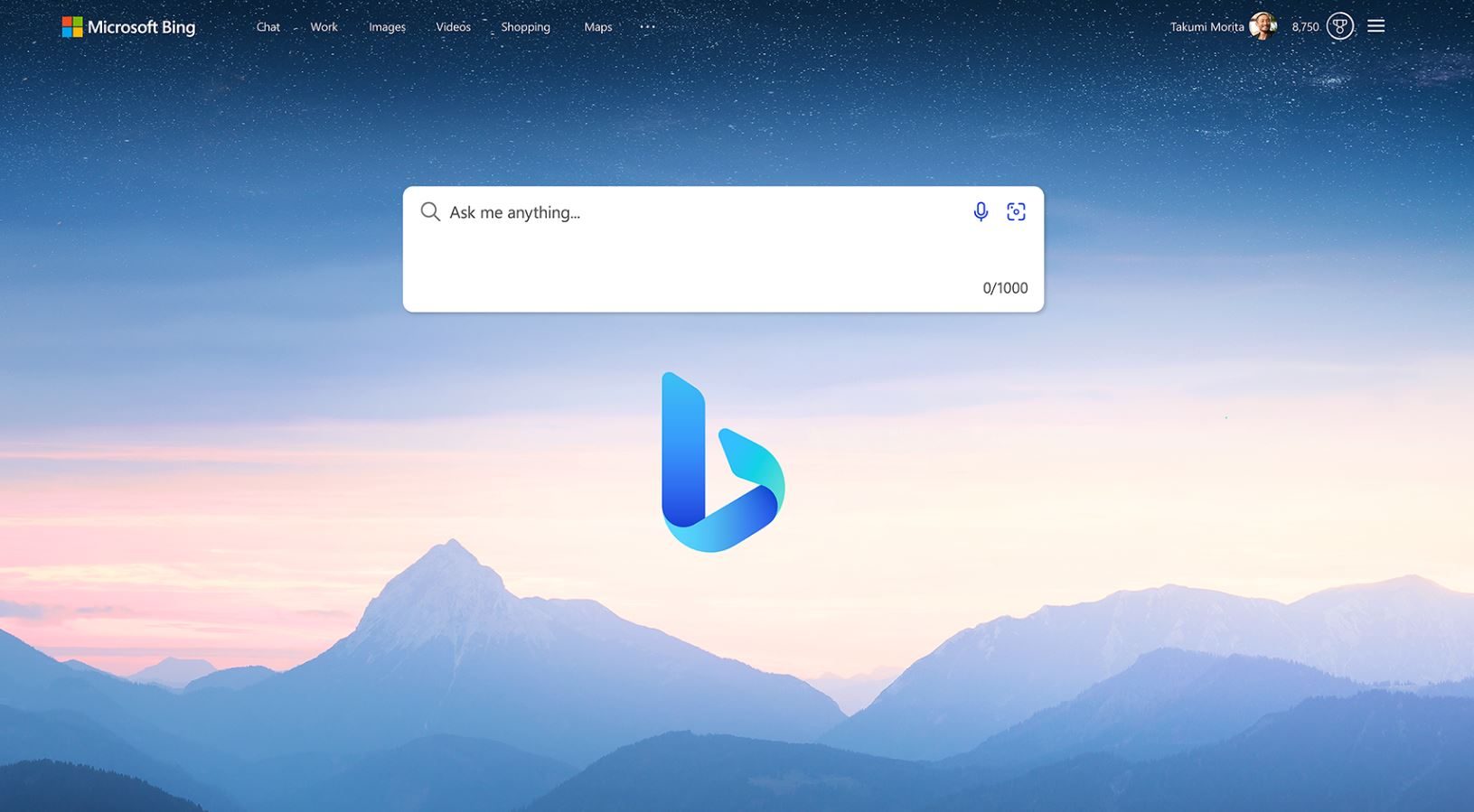
New Bing search engine.

Microsoft clearly wants more people using Bing, and that’s fair. But when Chrome, Firefox, and Brave users have already picked their search engine, the question isn’t whether Microsoft wants Bing everywhere. It’s whether Bing can take the hint and stop knocking.

Share. Facebook Twitter Pinterest LinkedIn Telegram Reddit Email
Previous ArticleYour Expired Visa Card Could Be ‘Zombified’ to Make Contactless Payments

Related Articles

Your Expired Visa Card Could Be ‘Zombified’ to Make Contactless Payments

Your Expired Visa Card Could Be ‘Zombified’ to Make Contactless Payments

22 August 2026
Review: Saily Ultra eSIM Premium Plan

Review: Saily Ultra eSIM Premium Plan

22 August 2026
HP’s 0 OmniBook 3 OLED laptop is an attractive MacBook Neo alternative with impressive battery claims

HP’s $600 OmniBook 3 OLED laptop is an attractive MacBook Neo alternative with impressive battery claims

22 August 2026
Set Up a Separate Work Profile on Your Android Phone

Set Up a Separate Work Profile on Your Android Phone

22 August 2026
The 4 Best Monitor Arms

The 4 Best Monitor Arms

22 August 2026
A new 9 pair of glasses can turn your handheld into a 307-inch gaming setup

A new $399 pair of glasses can turn your handheld into a 307-inch gaming setup

22 August 2026
Stay In Touch
  • Facebook
  • Twitter
  • Pinterest
  • Instagram
  • YouTube
  • Vimeo

Subscribe to Updates

Get the latest tech news and updates directly to your inbox.

Don't Miss
Your Expired Visa Card Could Be ‘Zombified’ to Make Contactless Payments

Your Expired Visa Card Could Be ‘Zombified’ to Make Contactless Payments

By technologistmag.com22 August 2026

As the controversial vehicle surveillance giant Flock Safety continues to expand, WIRED got the code…

Review: Saily Ultra eSIM Premium Plan

Review: Saily Ultra eSIM Premium Plan

22 August 2026
HP’s 0 OmniBook 3 OLED laptop is an attractive MacBook Neo alternative with impressive battery claims

HP’s $600 OmniBook 3 OLED laptop is an attractive MacBook Neo alternative with impressive battery claims

22 August 2026
Set Up a Separate Work Profile on Your Android Phone

Set Up a Separate Work Profile on Your Android Phone

22 August 2026
The 4 Best Monitor Arms

The 4 Best Monitor Arms

22 August 2026
Technologist Mag
Facebook X (Twitter) Instagram Pinterest
  • Privacy
  • Terms
  • Advertise
  • Contact
© 2026 Technologist Mag. All Rights Reserved.

Type above and press Enter to search. Press Esc to cancel.