


.jpg "How to Claim Your Cut of Apple’s 0 Million Siri Settlement")


Microsoft has attached the Copilot name to so many products that a simple question like “What is Copilot?” now needs a little more context. There is the main Microsoft Copilot chatbot, Copilot inside Microsoft 365, GitHub Copilot for developers, Gaming Copilot for Xbox users, and a separate category of Windows laptops called Copilot+ PCs.
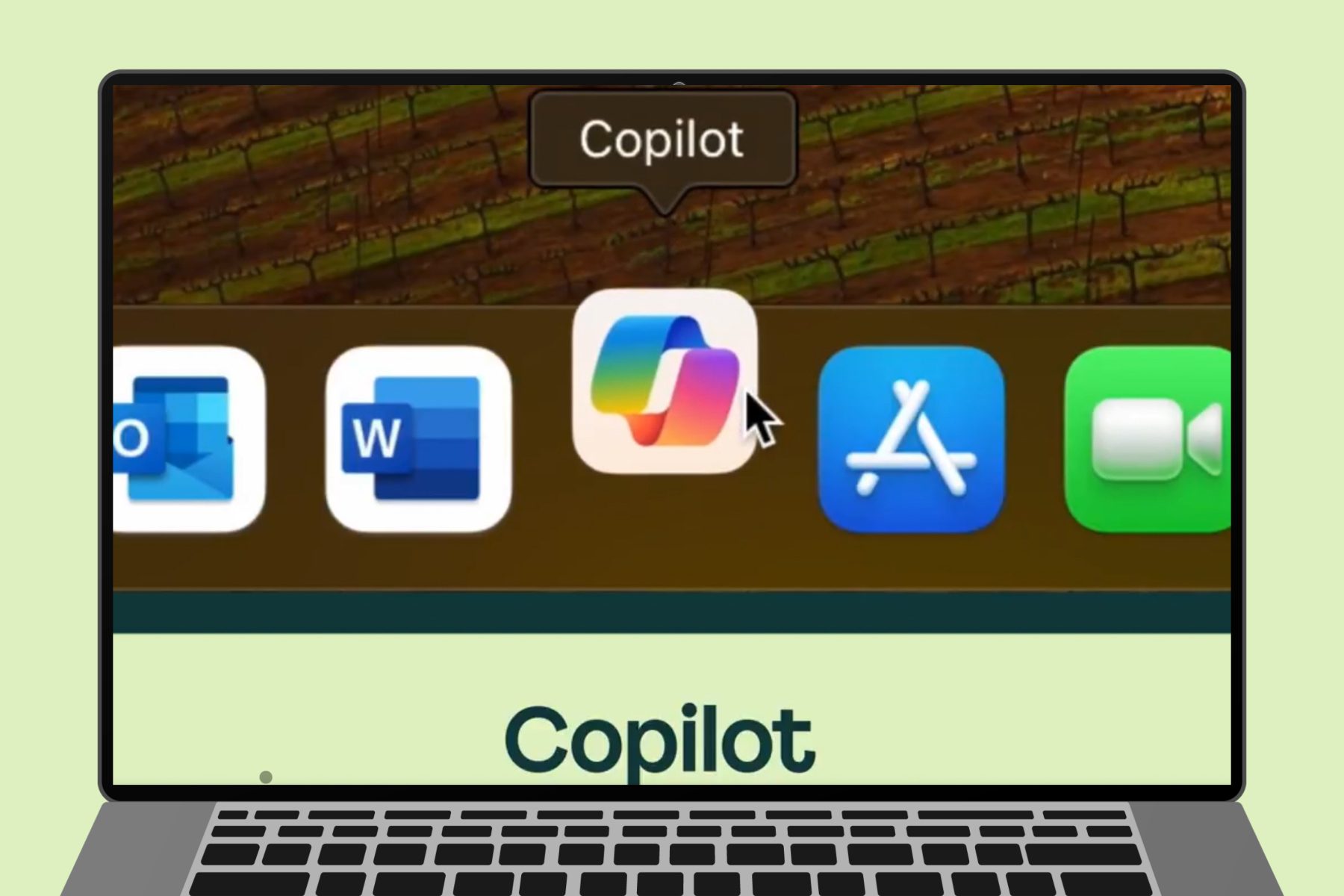
For most people, Microsoft Copilot means the company’s general-purpose AI assistant. So you’d expect it to answer questions, search the web, generate and edit images, and the rest of the usual AI chatbot features. You can access it through a browser or dedicated apps for Windows, macOS, Android, and iOS. It is also integrated into Microsoft Edge, the Xbox mobile app, and Game Bar on Windows 11.
Copilot has expanded considerably since its Bing Chat days. It now offers several conversation modes, can examine a selected screen or phone-camera feed through Copilot Vision, and can connect to Outlook, OneDrive, Gmail, Google Drive, Contacts, and Google Calendar when you grant permission.
The exact experience depends on the product, device, and subscription you use. Here is how Microsoft’s growing Copilot lineup fits together, what it costs, and what each version can currently do.
What is Microsoft Copilot?
Microsoft Copilot is a generative AI assistant that responds to natural-language prompts. You can ask it to explain a topic, compare products, summarize a document, rewrite an email, brainstorm ideas, or create an image from a description. The standard Copilot app works similarly to AI services such as ChatGPT and Google Gemini. It combines Microsoft and OpenAI models with web results, uploaded files, conversation context, and any connected services you have authorized. Copilot Search can also retrieve current information with citations.

Signing in unlocks conversation history, longer chats, more image creation, and longer voice sessions. Microsoft retains up to 18 months of signed-in conversation history, although you can delete individual chats or clear the full history.
Which Copilot are you looking for?
| Copilot product | What it does |
| Microsoft Copilot | The general AI assistant available through the web, Windows, macOS, Android, iOS, and Edge. |
| Microsoft 365 Copilot | Adds AI tools to Microsoft productivity apps and can work with documents, emails, meetings, and other permitted workplace information. |
| Copilot in Microsoft 365 Personal, Family, and Premium | Gives home subscribers access to Copilot features in Word, Excel, PowerPoint, Outlook, and other supported apps. |
| GitHub Copilot | A coding assistant that works inside development tools and code repositories. |
| Gaming Copilot | A gaming-focused assistant available through supported Xbox and Windows experiences. |
| Copilot+ PC | A Windows hardware category designed for advanced on-device AI features. It is separate from the Copilot chatbot. |
Keep in mind that Copilot+ PCs have specific hardware requirements and their own set of Windows AI features. Those deserved a dedicated explanation, so we covered them separately in our full Copilot+ PC guide.
How much does Copilot cost?

The main Microsoft Copilot chatbot is free. Its website and apps include AI chat, image generation, web search, voice, and file analysis, with limited usage, of course. Microsoft also includes Copilot features in its consumer Microsoft 365 plans. Current US pricing is:
- Microsoft 365 Personal: $9.99 per month or $99.99 per year
- Microsoft 365 Family: $12.99 per month or $129.99 per year
- Microsoft 365 Premium: $19.99 per month or $199.99 per year
Personal and Family include Copilot features in supported Microsoft 365 apps. Premium provides Microsoft’s highest consumer AI limits and access to additional advanced features. AI benefits in Family plans apply to the subscription owner rather than every person sharing the plan. Pricing and feature availability can vary by country.

Microsoft now steers new buyers toward Microsoft 365 Premium. Existing Copilot Pro customers can keep their plan or switch to Premium. Business and enterprise editions use separate licensing, pricing, and security controls.
Which AI model powers Copilot?
The answer depends on which Copilot product you use. Microsoft routes requests through different models based on the selected mode, feature, subscription, and workplace settings. For the consumer Copilot app, Microsoft still describes Smart mode as powered by GPT-5. Smart mode chooses between a quick response and deeper reasoning. Think Deeper uses available OpenAI reasoning models, though Microsoft does not identify the exact model behind every answer.
Microsoft 365 Copilot can also offer other OpenAI and Anthropic models through supported model selectors. Some commercial organizations must enable OpenAI-operated models before GPT-5.6 appears. Microsoft plans to enable those models by default for eligible commercial customers on July 24, 2026, unless an administrator disables them. As of July 2026, GPT-5.6 is available in Microsoft 365 Copilot, while consumer Copilot still officially lists GPT-5 for Smart mode.

What can Copilot do?
Copilot can answer questions, draft or rewrite text, translate languages, summarize information, compare products, brainstorm ideas, and search the web. You can upload supported files or images and ask Copilot to explain, summarize, compare, or extract information. Its image tools can generate pictures from written prompts and edit existing images through natural-language instructions.

- Copilot Voice lets you speak with the assistant instead of typing. It listens to your request, replies aloud, and saves a text transcript in your conversation history after the session ends.
- Copilot Vision lets the assistant examine a selected computer screen, Edge browser session, or mobile camera feed. You can ask questions about what it sees or request guidance while working through a task. Microsoft says images and screen content from Vision sessions are deleted when the session ends, although a transcript of the conversation may remain in your history.
- Deep Research spends longer gathering and analyzing information before producing a structured report. It is available to signed-in Copilot users, with higher limits for Microsoft 365 Personal, Family, and Premium subscribers.
- Copilot Pages turns a response into an editable workspace. You can revise the text yourself or continue working with Copilot to restructure, expand, simplify, or polish the content.
Copilot can also connect to Outlook, OneDrive, Gmail, Google Drive, Google Contacts, and Google Calendar. It can retrieve information your account already has permission to access, and Microsoft says connected-service data is not used to train Copilot.
What can Copilot do in Microsoft 365?
Microsoft 365 places Copilot inside Word, Excel, PowerPoint, Outlook, OneNote, and Teams. In Word, it can draft, summarize, restructure, or change the tone of text. PowerPoint can build presentations from an outline or document. Excel can analyze tables, identify patterns, create formulas, and explain data. Outlook can summarize email threads, draft replies, and pull out action items.

Teams users can ask Copilot to recap meetings and conversations, depending on their account and permissions. Business versions can also work with organizational information that the user is already allowed to access.
What can Copilot do on Windows?
The Windows app includes the same core chat experience as the web version, plus operating-system integrations. It can search local and OneDrive-synced files, analyze screenshots, answer questions about Windows settings, and launch Voice through the optional “Hey Copilot” wake phrase. Vision can also view selected apps while you ask for help.
These app features do not require a Copilot+ PC. Microsoft reserves another group of locally processed Windows AI tools for computers that meet the Copilot+ hardware requirements.
Which devices can use Copilot?

Microsoft Copilot is available through:
- A modern web browser
- Windows and macOS apps
- Android phones and tablets
- iPhone and iPad
- Microsoft Edge
- The Xbox mobile app and Xbox Game Bar on Windows 11
Features vary by device. Windows includes additional files, screenshots, settings, and Vision integrations, while mobile apps can use the phone camera during Vision sessions. Copilot is available in more than 170 markets, with some regional exceptions.
Is Copilot private and reliable?
Copilot, just like any other chatbot, can make mistakes by misunderstanding a prompt or confidently producing inaccurate information. Important answers should still be checked against reliable sources, especially when they involve important aspects of your life like work, money, health, legal matters, or personal data.
Personal Copilot accounts include controls for memory, personalization, conversation history, and model training. You can view or delete what Copilot remembers and opt out of having conversation activity used to train Microsoft’s generative AI models.
Uploaded files may be stored securely for up to 18 months unless you delete the associated conversation. Vision handles data differently: Microsoft says screenshots and camera images are processed for the session and are not retained afterwards.
Microsoft 365 Copilot used through a work or school account follows a separate enterprise data-protection model. It can only access organizational content that the user already has permission to view.
What’s new with Copilot?
Microsoft continues to expand Copilot beyond basic question-and-answer chats. Newer additions bring personalized podcasts, deeper service connectors, richer Pages workspaces, and task-based features that can carry out multistep browser activities.
Copilot Podcasts can turn a requested topic into personalized audio, while Copilot Tasks can complete supported online workflows after receiving permission to use the necessary sites and services. Microsoft is also rolling out Browse with Copilot, which can navigate pages, select items, type into fields, and perform supported browser actions on the user’s behalf. The feature is initially rolling out to Microsoft 365 Premium subscribers in the United States, with more markets expected later.
Copilot has become a broad family of AI tools rather than a single chatbot tucked inside Windows. The free consumer app remains the simplest place to start. Microsoft 365 subscriptions make sense for people who want Copilot inside Office apps, while the workplace, coding, gaming, and Copilot+ PC versions serve their own separate purposes.
