


.jpg "How to Claim Your Cut of Apple’s 0 Million Siri Settlement")



Walk through a laptop aisle in 2026 and the Copilot+ PC branding is highlight for most Windows laptops. From Microsoft’s own surface to other PC makers like Samsung, HP, and Dell, you can find notebooks that carry this badge to convey that they are AI-ready. At a glance, the name sounds like it refers to a computer with a better version of the Copilot chatbot, which only explains a small part of it.
A Copilot+ PC is a Windows 11 computer that meets Microsoft’s hardware standard for advanced on-device AI features like a compatible processor with a dedicated NPU. You also need a certain amount of RAM and storage, all of which brings access to Windows features such as Recall, Click to Do, and much more. Many of these experiences use the NPU to process information locally, reducing their reliance on cloud servers and helping them run more efficiently in the background.
The badge has expanded considerably since the first Copilot+ laptops arrived in June 2024. Snapdragon X processors were initially the only option. Current models can also use qualifying AMD Ryzen AI and Intel Core Ultra chips, giving buyers a choice between Arm and conventional x86 Windows systems. So here’s everything you need to know.
What is a Copilot+ PC?
Copilot+ is Microsoft’s certification for a class of Windows 11 AI PCs. A qualifying computer combines a sufficiently powerful NPU with Microsoft’s minimum memory and storage requirements. The Copilot app itself does not require this hardware. A regular Windows 11 PC can still access Microsoft Copilot since it relies on an internet connection. On the other hand, Copilot+ systems gain a separate set of Windows features designed around local AI processing.
It is also worth noting that buying a Copilot+ PC also does not automatically include a premium Copilot or Microsoft 365 subscription. Most built-in Windows experiences are part of the operating system, however, certain actions and connected services may require an account, internet access, or an additional subscription.
Copilot+ PC hardware requirements
| Component | Minimum requirement |
| Processor | Compatible chip or system-on-chip with a 40+TOPS NPU |
| Memory | 16GB DDR5 or LPDDR5 |
| Storage | 256GB SSD or UFS |
| Operating system | Windows 11, with current Copilot+ experiences requiring supported updates |
As of right now, Microsoft has currently named these processor familiar as compatible:
- AMD Ryzen AI 300 and 400 series
- Intel Core Ultra 200 and 300 series
- Qualcomm Snapdragon X series
A processor carrying one of those broader family names does not guarantee that every configuration supports every feature. Buyers should still look for the actual Copilot+ PC badge and check the manufacturer’s specifications.

What are TOPS, and why do you need an NPU?
Copilot+ PCs are all about AI. However, this was one of the biggest problems with previous-gen AI PCs. They had NPUs, yes, but little to do with them.The NPU is a dedicated part of the processor built to handle AI workloads efficiently. CPUs and GPUs can also run AI models, but the NPU is designed for sustained jobs such as background effects, image analysis, speech processing, and semantic search without placing the same load on the main processor or graphics hardware.
Microsoft measures the minimum NPU requirement in TOPS, short for trillion operations per second. A Copilot+ system needs at least 40 TOPS of NPU performance. This number only describes one part of the computer. It does not tell you how fast the CPU is, or how well it can run games. So two systems carrying the same Copilot+ badge can deliver very different everyday performance.
AI PC versus Copilot+ PC
“AI PC” is a flexible industry term. Manufacturers commonly use it for computers with an NPU or other hardware intended to accelerate AI tasks. Copilot+ PC is Microsoft’s more tightly defined category. Every Copilot+ computer is an AI PC, while many systems marketed as AI PCs fall below Microsoft’s 40TOPS requirement or lack access to the complete Copilot+ feature set. A great example of this is an older Intel Core Ultra laptop, which may advertise an NPU and AI features, while missing the Copilot+ badge because its NPU does not meet Microsoft’s threshold.
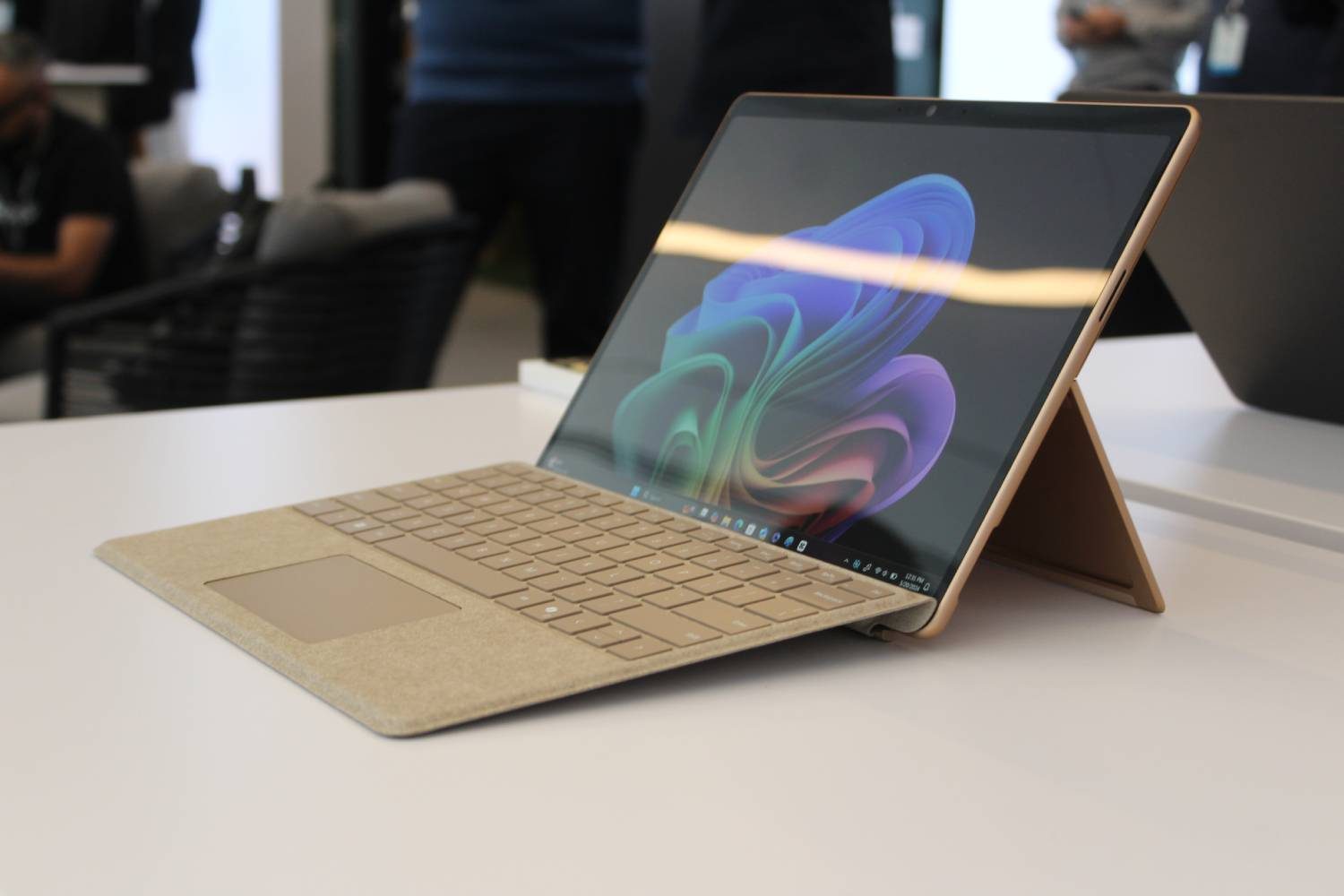
Are all Copilot+ PCs Arm computers?
No. The first Copilot+ systems used Qualcomm’s Arm-based Snapdragon X processors, which made the category look closely tied to Windows on Arm. Intel and AMD have since added qualifying x86 chips. But compatibility isn’t consistent. While Snapdragon models can offer strong responsiveness and battery efficiency, Windows 11 uses Microsoft’s Prism emulator to run many x86 and x64 applications that do not have native Arm versions.
What AI features do Copilot+ PCs include?
Microsoft’s Copilot+ feature list has grown considerably since launch. Availability can vary by processor, region, language, account type, and Windows update. So here are the highlights:

Recall
Recall creates an optional, searchable timeline using snapshots of activity on your screen. You can describe a document, webpage, image, or app you remember seeing and search through the saved timeline to locate it. Microsoft continues to label Recall as a preview.
Click to Do
Click to Do analyzes selected text and images on the screen, then offers relevant actions. Depending on the content, it may let you copy text, summarize or rewrite it, search the web, remove an image background, blur a background, or open the selection in another app. Some actions require a subscription.
Improved Windows Search
Improved Windows Search uses semantic indexing so you can find supported files and images through natural descriptions. Searching for “team at the conference” can work without knowing the exact filename. It appears in File Explorer, the Windows search box, and supported Settings searches.
Agent in Settings
Agent in Settings lets you describe a Windows problem or setting in ordinary language. It can surface the relevant option and, for supported changes, help apply it. Microsoft expanded the feature’s language support in 2026.
Live Captions with translation
Windows 11 already supports Live Captions. Copilot+ systems add local translation from more than 40 languages into English and from supported languages into Simplified Chinese.
Creative and accessibility tools
Copilot+ PCs also support AI tools across Paint, Photos, Snipping Tool, Voice Access, Narrator, and Windows Studio Effects. These include Cocreator, Restyle Image, Image Creator, Super Resolution, Perfect Screenshot, flexible voice commands, richer image descriptions, background blur, eye contact, automatic framing, and voice focus.
Some tools still have processor restrictions. Automatic Super Resolution, Paint Generative Fill, and Photos Relight currently list Snapdragon X requirements on Microsoft’s feature page.
Is Recall private?
Recall attracted heavy criticism when Microsoft first announced it, which led the company to delay its broad release and redesign the security model. This concern was also reflected in our own experience with the feature. The current version is opt-in and requires Windows Hello Enhanced Sign-in Security with biometric authentication. Snapshots are encrypted, stored locally, and tied to the individual Windows profile. Microsoft says it cannot access them, and other apps cannot retrieve the Recall database.

Sensitive-information filtering is enabled by default to help avoid saving passwords, payment details, and identification numbers. Users can pause snapshots, delete them, limit storage, and exclude specific apps or websites. Recall can also be removed as an optional Windows component.
Storage is another consideration. Microsoft says Recall needs at least 50GB of free space to operate. A 256GB system allocates 25GB to snapshots by default, which Microsoft estimates can retain about three months of activity. Older snapshots are deleted once the allocation fills.
Are Copilot+ PCs faster and more efficient?
Microsoft markets Copilot+ systems as its fastest and longest-lasting Windows PCs. Its commissioned testing has claimed up to 22 hours of local video playback and 15 hours of web browsing on selected devices. Those figures vary with the processor, display, battery size, workload, settings, and manufacturer. But these figures are often seen in marketing material for recent high-end laptops.
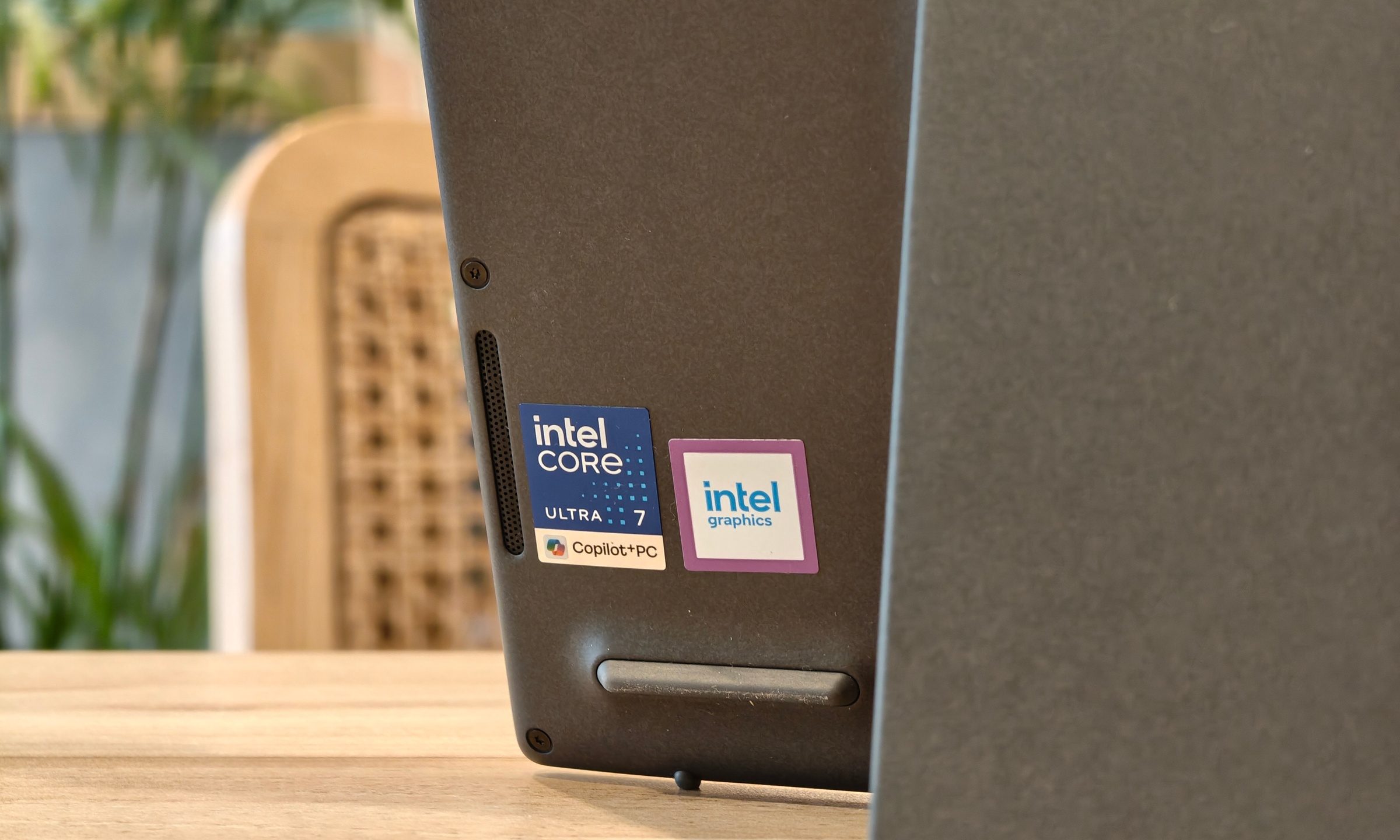
The Copilot+ badge itself is not a performance ranking. Qualcomm systems often prioritize efficiency, AMD offers great integrated graphics and strong multi-core performance, while new Intel Core Ultra processors can either focus on battery life or strong raw horsepower. So traditional specifications are still important.
Should you buy a Copilot+ PC?
A Copilot+ PC branding alone isn’t enough to justify a purchase, but if you’re looking for a high-end or upper mid-range model, chances are you’re going to get one anyway. Only the entry level models rely on processors based on older architecture that don’t get the shiny new NPUs. Another limitation currently is with RAM capacities. Owing to the RAMmageddon, 8GB machines are returning, so if you’re on a tight budget, Copilot+ PCs might be a little too expensive.
Regardless, you’re not missing out on much–at least for now that is. AI tools like Recall or Click to Do can be handy, but they won’t radically change the way you use or experience your Windows PC. I have a Copilot+ PC of my own, but I hardly ever found myself using these features.
