,-The-University-of-Tokyo.jpg "Inside the Experimental Traps Scientists Set for Ghostly Neutrinos")



Apple has officially announced iOS 27, and this year’s iPhone update is doing two things at once. While all eyes were on the big Siri AI release that Apple has been building towards for years, there were plenty of polishing updates, design tweaks, and changes underneath that. The company has made plenty of small quality-of-life fixes that should improve the way you interact with your iPhone.
iOS updates can live or die in the boring places, and whether your old iPhone still feels usable after installing the new version. So here’s everything important coming with iOS 27.
Siri AI is the headline upgrade
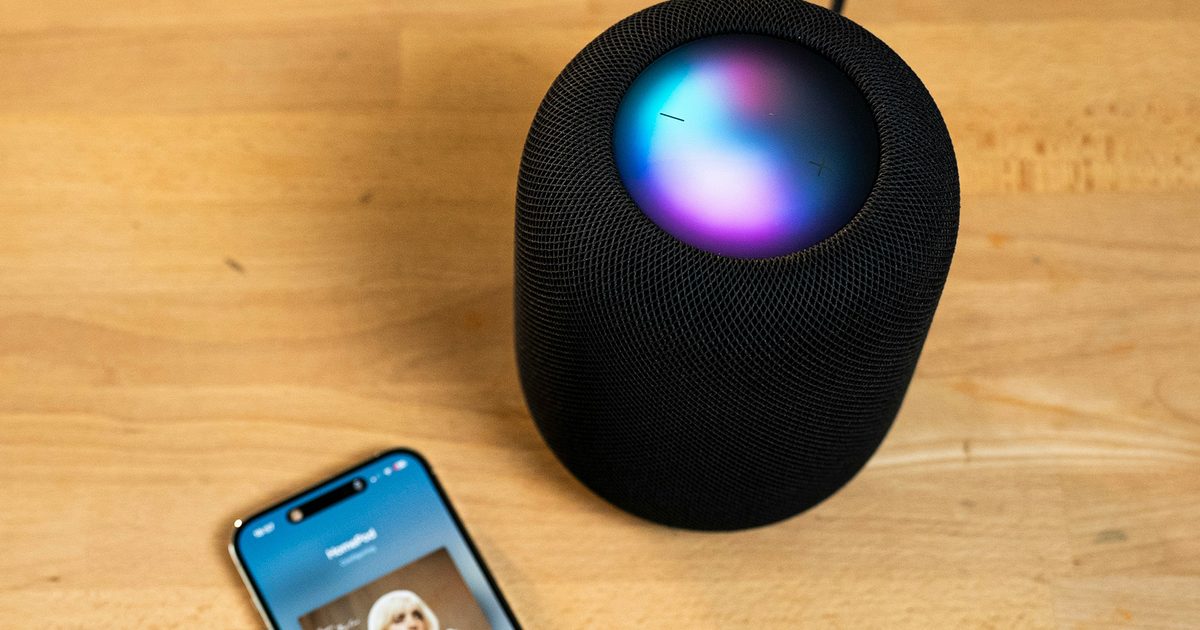
The biggest iOS 27 feature is Siri AI, Apple’s rebuilt assistant powered by the next generation of Apple Intelligence. Apple is positioning it as a much more capable Siri that can understand personal context, see what is on your screen, answer broader questions using web knowledge, and take action across apps.
In day-to-day use, this means that Siri should be able to find an old email, pull details from Messages, search through Photos, understand what you are looking at on-screen, and help you do things inside apps without manually jumping around as much. There is also a new dedicated Siri app, which makes the assistant feel more like a proper AI chatbot experience. Users can revisit old conversations or start new ones, with history synced privately through iCloud.
Siri also gets a new Camera mode, letting you point your iPhone at something and ask questions about it through Visual Intelligence. Siri has been lagging behind modern AI assistants for years, and iOS 27 is Apple’s attempt to make it feel relevant again.
Apple Intelligence is getting deeper app integration

Siri AI is only one part of the broader Apple Intelligence push in iOS 27. Apple is spreading AI features across Photos, Safari, Messages, Mail, Passwords, Shortcuts, Home, and more. Photos is getting Spatial Reframing, which can improve the composition of a photo after it has been taken. Clean Up is also getting upgraded, while Image Playground is gaining more flexible image generation options, including realistic-looking styles. However, some image-generation features will have daily limits because they use server models, with expanded access available through certain iCloud+ plans.
Safari gets smarter tab management and a useful Notify Me feature that can monitor webpages for changes, which can be handy for tracking product restocks, registration pages, price changes, or a bunch of other stuff you would normally keep refreshing manually. Messages can offer smarter contextual suggestions, while Passwords can help update eligible accounts more quickly. Lastly, the Phone app gets Call Context, which can surface relevant information from Mail or Messages during a call.

Shortcuts is now people-friendly
Shortcuts have been a pretty capable tool available on the iPhone, but it’s often overlooked. While its performance was never the issue, the steps required in the setting up process usually turned away many. iOS 27 tries to fix that with Apple Intelligence. Rather than manually stitching together actions, users can describe the automation they want in plain language. A great example is that you can ask it to message someone with your ETA when you leave for work. Shortcuts can then assemble the required steps for you, using location, Maps, and even Messages.

So the overall process could be more simpler and reliable. Complex shortcuts may still need manual tinkering though. Apple has had automation power for a while now, but iOS 27 is giving casuals users more of a reason to try it.
Liquid Glass is getting some refinements
Apple introduced Liquid Glass with iOS 26, and iOS 27 is not replacing it. What it does do is make it easier to live with. The big change is a new transparency slider, letting users adjust the Liquid Glass effect from ultra-clear to fully tinted. That can be really useful for those who like the general look but found some parts too busy or harder to read. Alongside this, Apple is also sharpening icons with additional refraction layers and cleaning up interface elements like toolbars and sidebars. This is more of a refinement rather than a drastic visual overhaul.

Speed is a major part of the update
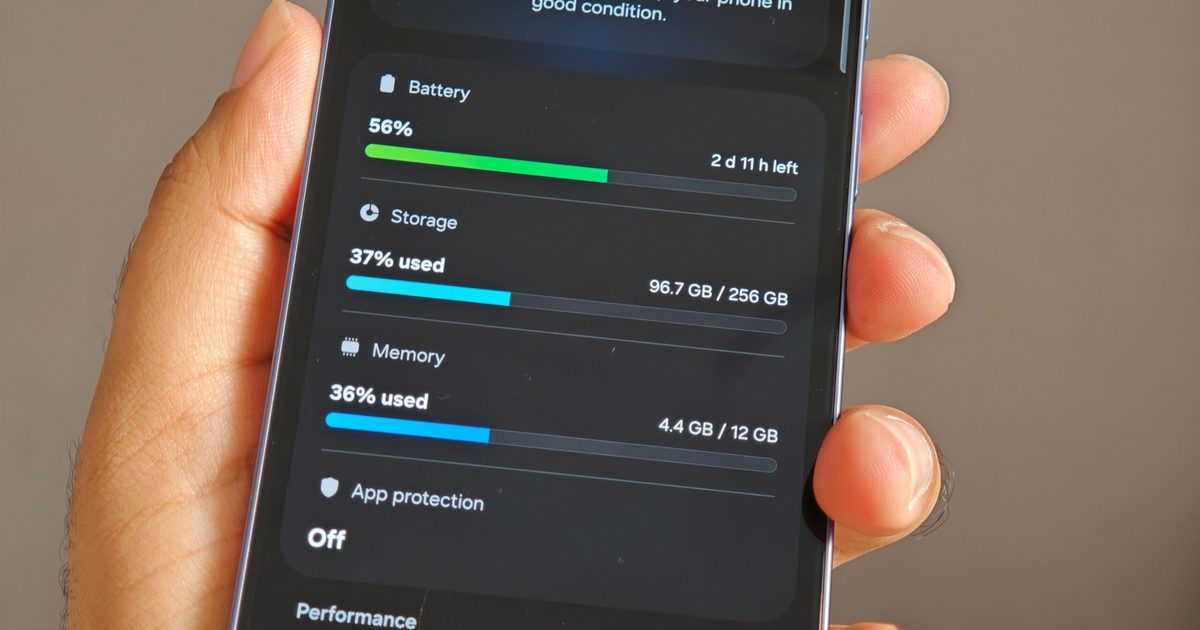
Apple is also making speed a key part of iOS 27. The company claims app launches are up to 30% faster, AirDrop transfers are up to 80% faster, and Photos can load images much faster after capture. There are also deeper system improvements, including optimized CPU scheduler and better memory handling for older iPhones. With Apple having come under fire for deliberately slowing down performance on older iPhones with newer software, this looks like a step in the right direction for older models.

New features are nice, but a phone that launches apps faster and handles basic tasks more smoothly is something people actually notice every day. Search is also being rebuilt across parts of the system, including Spotlight, Photos, and Mail. Mail in particular gets a new ranking system designed to push more relevant results to the top, which should help when you are digging for a receipt, boarding pass, or other important documents and messages buried under years of inbox clutter.
Shared photos are better for Android and Windows friends
iCloud Shared Albums are getting a long-overdue upgrade for mixed-device groups. Android and Windows users will be able to join and contribute more easily through iCloud.com. So life events like a family trip or event becomes easier to access for everyone, and not just iPhone users. Apple is also adding full-resolution sharing, filtering, reactions, invite options, and even expiring Shared Albums to the mix.
Accessibility and small fixes
Accessibility is getting some of the most meaningful smaller additions in iOS 27. VoiceOver can now provide richer image descriptions, while a new captioning feature can generate synchronized subtitles for videos. It can even translate existing captions into other languages. Similarly, Magnifier is getting more tools designed for people with low-vision.
Apple has made a lot of other non-flashy updates in iOS 27. Networking switching should now feel smoother, so you won’t have to face awkward abruptions during a FaceTime or on your run while using Maps. Meanwhile, AirDrop and AirPlay is getting faster transfers and quicker nearby-device discovery. Another solid refinement are to alarms, timers, alerts, and system sounds that can now be separated from ringtone volume. Notes is adding Markdown copy and paste and the Photos app is also adding the ability to save a still image from a video frame. Again, nothing ground-breaking but better quality-of-life stuff you can look forward to.
AirPods finally get custom EQ

This was a long time coming. iOS 27 finally adds custom EQ that lets users tune lows, mids, and highs without being locked into Apple’s default sound profile. You’ll have a Recommended option still, if you don’t wish to tinker around too much, but the option to make a Custom profile is great for audiophiles. The interface includes a live waveform and sample track, so users can hear changes as they adjust the sound.
AirPods users have been asking for this feature for years now, and iOS 27 has delivered.
Home, Maps, and Health are getting smarter too

The Home app is getting more Apple Intelligence features, including smarter activity summaries for HomeKit Secure Video, natural-language search for clips, and support for 4K streaming and recording on compatible cameras with an iCloud+ subscription. On the other hand, Apple Maps gets an enhanced Flyover experience that uses aerial imagery and Visual Intelligence models for richer detail. Health is adding perimenopause and menopause support to Cycle Tracking, with notifications based on logged cycle patterns and educational resources. iPhones and AirPods Pro 3 is also getting GymKit that works with compatible cardio equipment to share more accurate workout metrics.
iOS 27 may be preparing for a foldable iPhone

One of the more interesting discoveries around iOS 27 is not a feature Apple announced directly. References inside the iOS 27 framework appear to hint at a foldable device. It included terms like “foldState,” “angleDegrees,” and a key related to built-in displays. While this doesn’t confirm a foldable iPhone outright, the timing does seem right here. Rumors suggest Apple’s foldable iPhone, often referred to as the iPhone Ultra, could behave more like a small iPad when unfolded, with a larger inner display and a more tablet-like aspect ratio. iOS 27 may be readying its foundation.
Which iPhones support iOS 27?
A wide list of iPhone models are getting the iOS 27 update. If your iPhone can run iOS 26, it can also run iOS 27. That means the iPhone 11 lineup survives another year, despite rumors that Apple might cut it off. So here’s a full compatibility list:
- iPhone SE, 2nd generation and later
- iPhone 11
- iPhone 11 Pro
- iPhone 11 Pro Max
- iPhone 12 mini
- iPhone 12
- iPhone 12 Pro
- iPhone 12 Pro Max
- iPhone 13 mini
- iPhone 13
- iPhone 13 Pro
- iPhone 13 Pro Max
- iPhone 14
- iPhone 14 Plus
- iPhone 14 Pro
- iPhone 14 Pro Max
- iPhone 15
- iPhone 15 Plus
- iPhone 15 Pro
- iPhone 15 Pro Max
- iPhone 16e
- iPhone 16
- iPhone 16 Plus
- iPhone 16 Pro
- iPhone 16 Pro Max
- iPhone 17e
- iPhone 17
- iPhone Air
- iPhone 17 Pro
- iPhone 17 Pro Max
Older iPhones won’t get everything
As great as everything sounds, there’s a small catch. Getting iOS 27 does not mean getting full experience. Apple Intelligence features broadly require an iPhone 15 Pro or newer eligible models like the iPhone Air, iPhone 16, and iPhone 17 lineup. Siri AI is also limited to Apple Intelligence-enabled devices and will launch in English later this year. It will not be available initially on iOS and iPadOS in the European Union, and Apple says the new Siri AI features will not be available in China while it works through regulatory requirements.
Some of Apple’s most powerful AI features are even more limited, with certain experiences requiring an iPhone 17 Pro, iPhone 17 Pro Max, or iPhone Air, while supported iPad and Mac models need newer chips and at least 12GB of unified memory.

When can you download iOS 27?
Apple released the iOS 27 developer beta after WWDC 2026. The public beta is expected in July, while the stable release should arrive this fall, likely around the next iPhone launch window in September. Keep in mind that the early build is best avoided on your primary phone, unless you are comfortable with buds, app compatibility issues, and unknown battery drains. Most users should wait for the public beta or the stable release.