



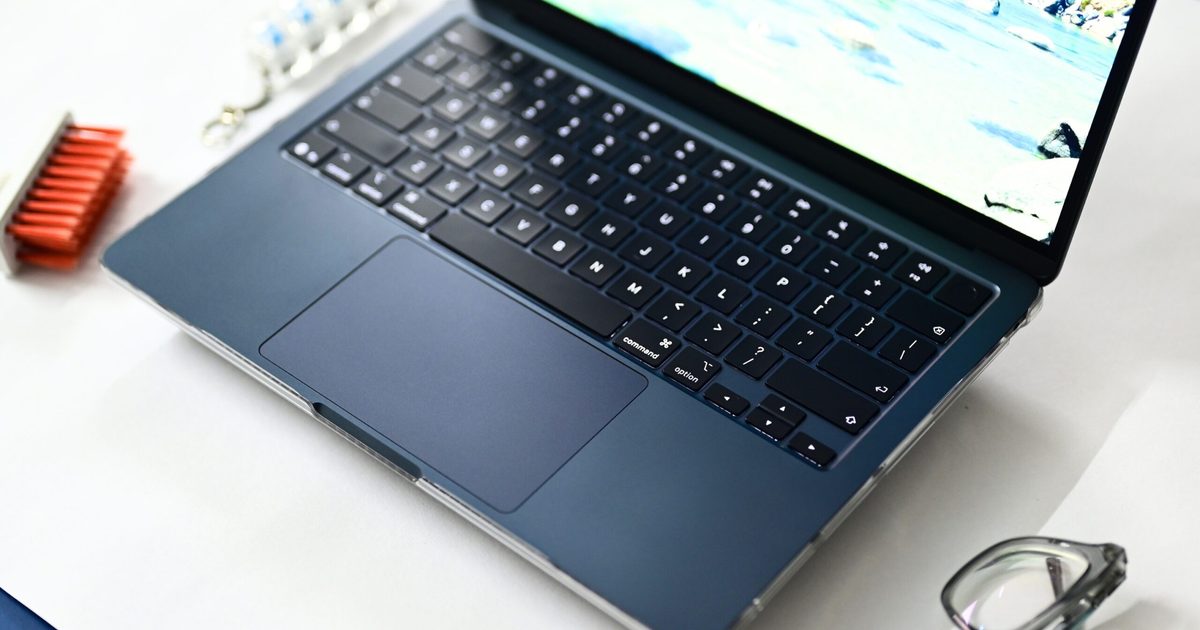
I used the M1 MacBook Air as my primary laptop for nearly four years. During that time, I used it for everything from drafting news stories to editing photos for reviews, working from flights to weekend workcations. And if there was one thing that earned more compliments than the slim chassis and overall design, it was the speakers.
Whether I am watching an Apple keynote on YouTube, a stand-up comedy special in my room, a movie with a couple of friends on a workcation, or simply hearing the charging chime and notification sounds, the M1 MacBook Air always sounded remarkably clear and surprisingly loud. Be it the ghosts screaming in The Conjuring, the web-swinging sounds during an intense Spider-Man action sequence, or Chandler’s one-liners from Friends, it never really sounded like audio coming from a laptop.
That changed when my M1 MacBook Air suddenly refused to turn on in June 2026, forcing me to buy the 13-inch M5 MacBook Air with 16GB of RAM and 512GB of storage. Everything about the M5 MacBook Air feels like an upgrade, as it should, considering it’s five generations newer, except the speakers.
The four-speaker “upgrade” that sounds worse than two
On paper, the M5 MacBook Air should sound better. It replaces the M1’s two-speaker setup with a four-speaker system. In practice, though, it doesn’t sound as loud or as rich as the M1 MacBook Air.
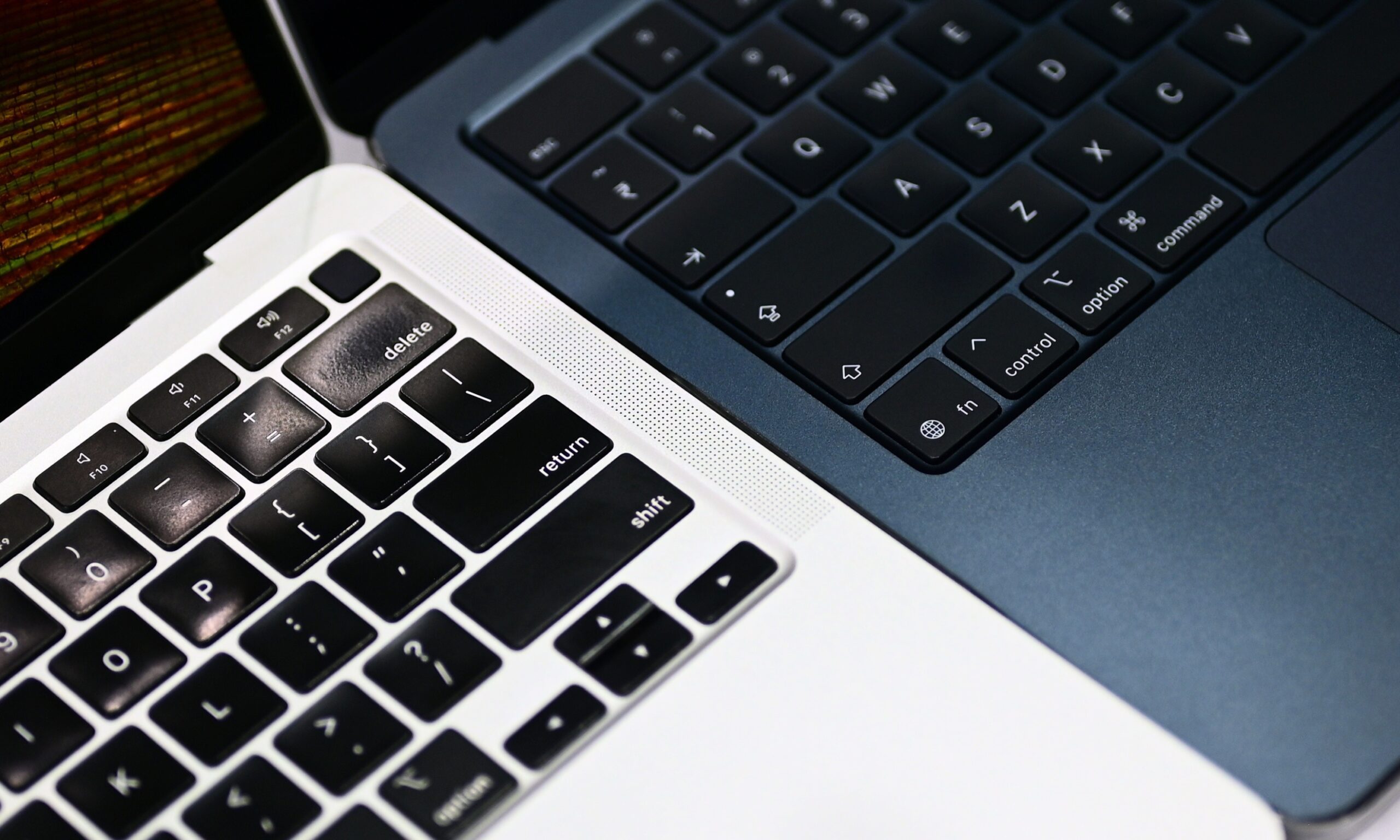
What you actually get instead is a thin, almost hollow midrange, a shrill emphasis on high frequencies, and minimal low-end presence, the kind of sound signature that makes dialogue clear but leaves music and movies feeling flat and lifeless. There’s no fullness to it, no weight behind a bassline or an explosion, just treble doing all the heavy lifting.
I noticed it almost immediately. During setup, I heard a couple of audio cues and instinctively tried to turn up the volume, only to realize it was already maxed out. A few days later, a friend who had always complimented the M1 MacBook Air’s speakers asked a simple question: “What’s wrong with the speakers?” I told her what I thought might be happening.
What’s happening here?
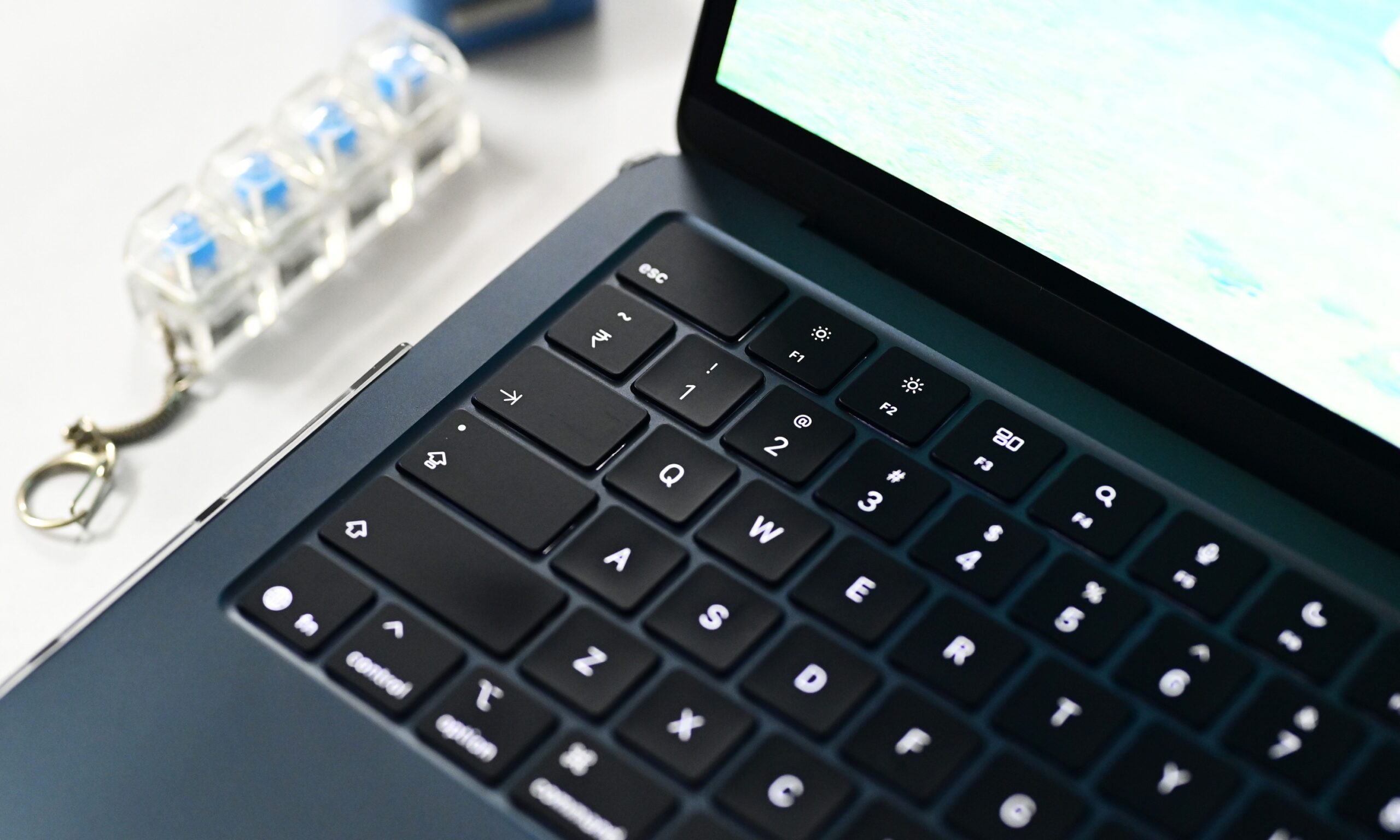
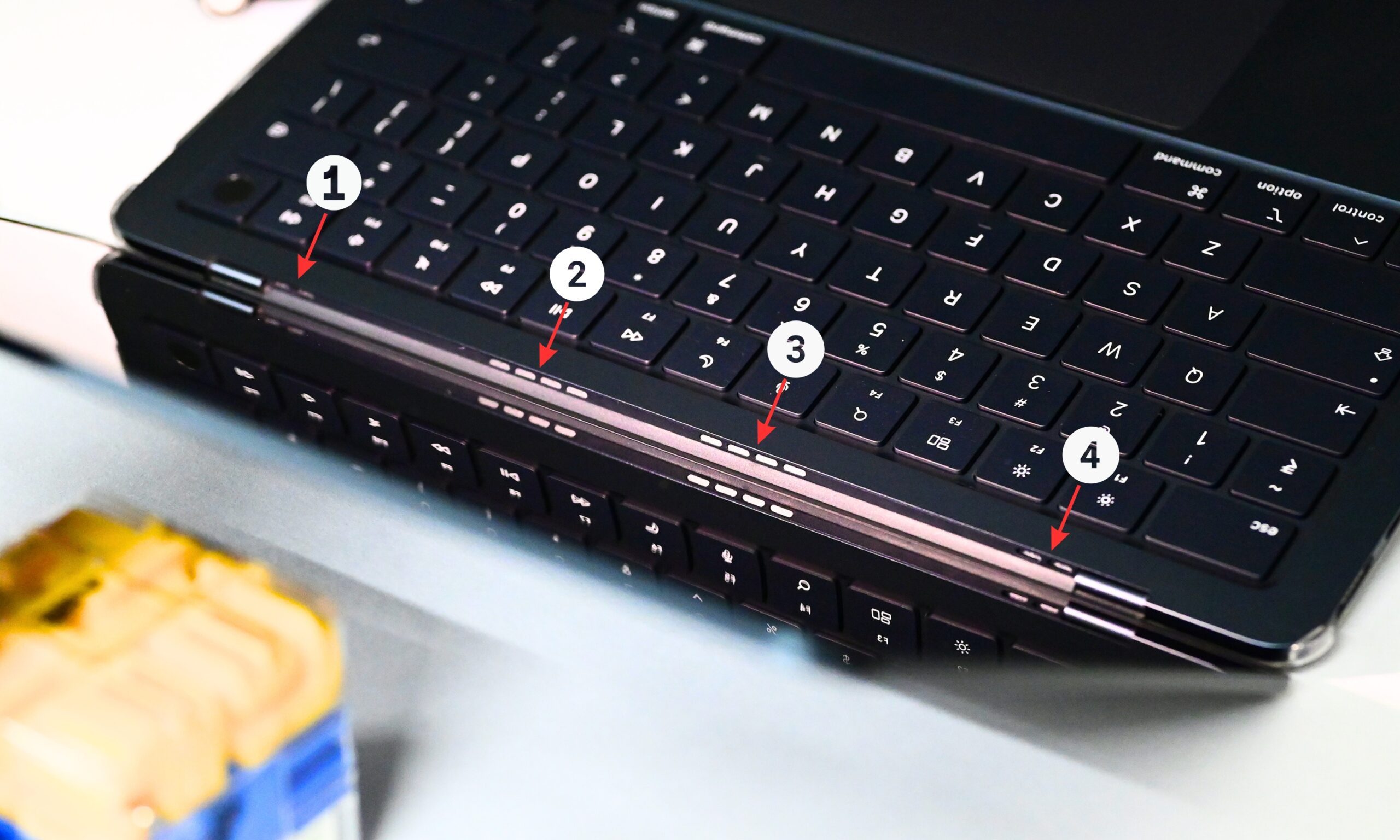
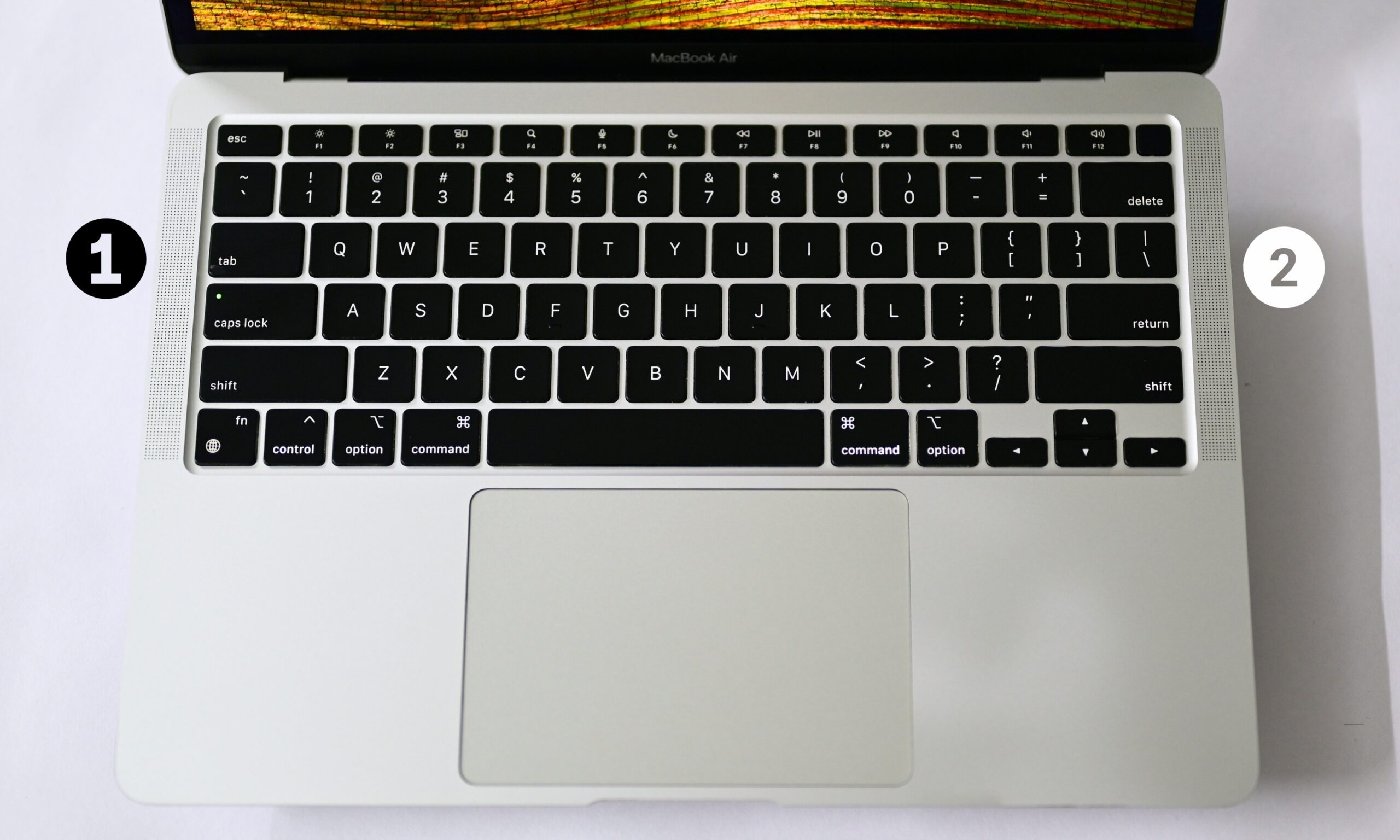
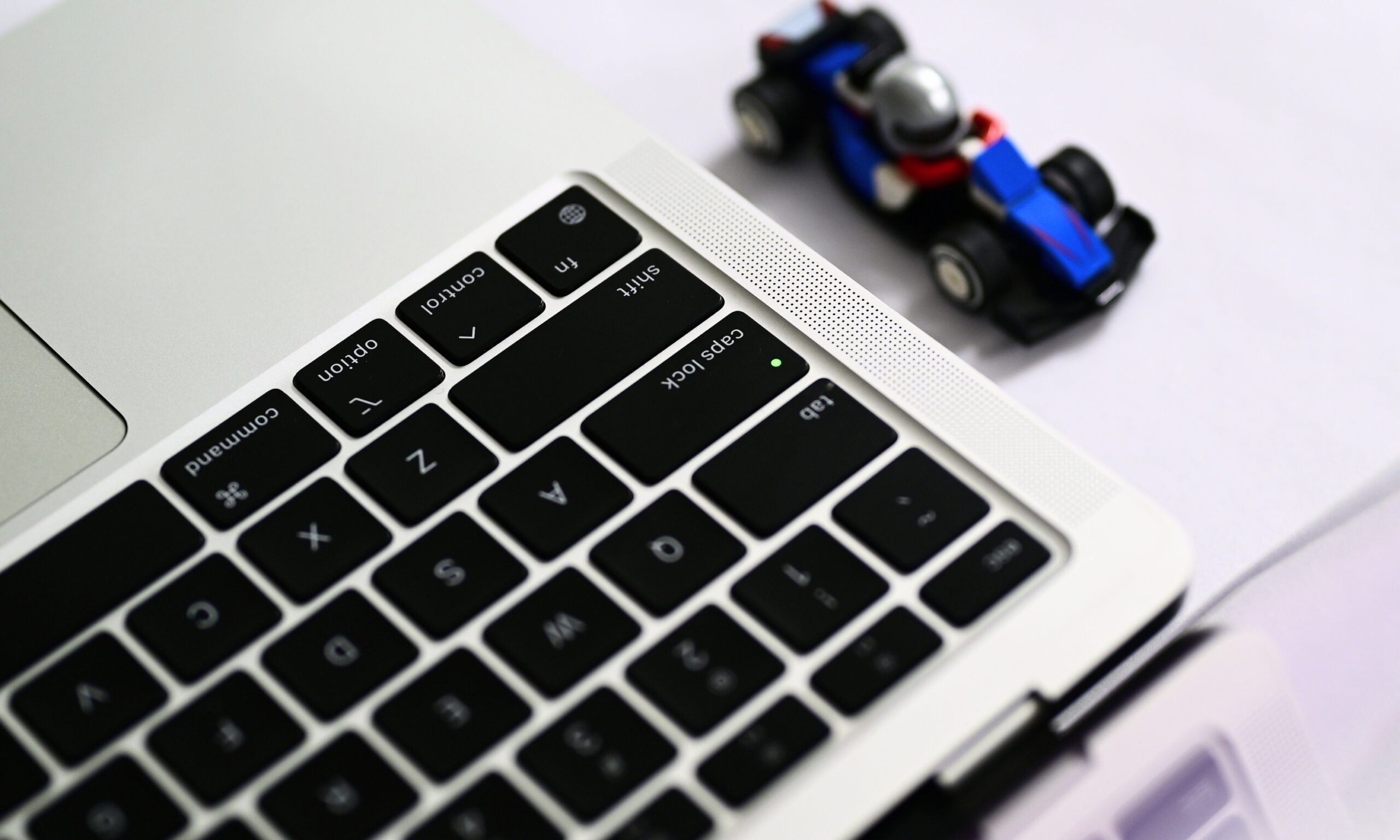
The M1 MacBook Air had two upward-firing speakers, so the sound reached your ears directly. On the newer Air, Apple hides the speaker system inside the hinge, meaning the sound reflects off the display before reaching you.
That likely contributes to the difference; bouncing sound off a fixed surface instead of firing it directly at you tends to scatter the low frequencies first, which would explain exactly why the bass disappears while the treble stays sharp, even shrill, in comparison.
Sitting across the table, she also felt the speakers didn’t project as well. To make sure it wasn’t just my ears playing tricks on me, I compared my M5 MacBook Air side by side with a friend’s M1 MacBook Air, and the difference was immediately obvious. The M5 sounded clear, but the M1 was noticeably louder and fuller, the kind that you’d want to use to play music in a room.
As it turns out, I wasn’t the only one hearing it. Digging through Reddit, I found several people who’d reached the same conclusion after comparing the two machines side by side. One user on r/macbook, who claims to own four MacBooks, writes that the “M1 actually sounds the loudest of them all.”
Others say the M5 MacBook Air’s speakers sound cleaner, while another user describes them as being “too much optimized for normal speech/dialogue clarity.” That lines up almost perfectly with my experience. Voices sound crisp, but there’s noticeably less low-end punch.
What’s missing is the loudness and richness that made the M1 MacBook Air’s speakers so impressive at full volume.
Can software actually fix this?
Since the hardware itself isn’t changing, I spent some time seeing whether macOS could compensate for any of that missing warmth and fullness through software, and two built-in tools are worth knowing about, both tucked inside the Music app.
The Equalizer, found in the taskbar under Window > Equalizer, lets you manually boost or cut specific frequency bands, and it includes a Preamp slider at the top that governs overall output level before the individual bands even kick in. Nudging the Preamp up genuinely makes the M5’s speakers sound louder, and pairing that with a boost to the lower-frequency sliders helps mask some of that missing bass presence.
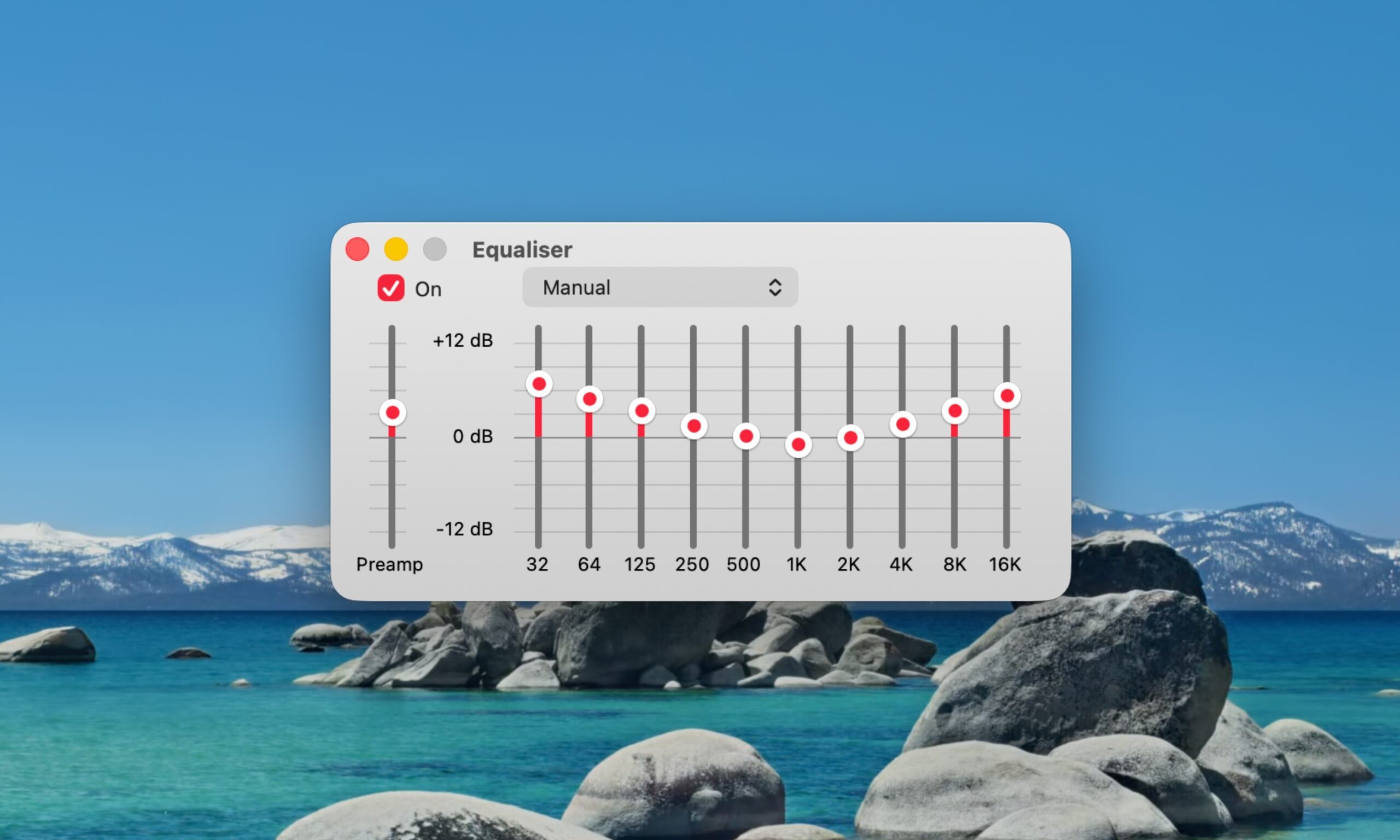
However, if you push the Preamp too far, especially combined with an already maxed system volume, you’ll start hearing audible distortion and clipping, a crackly, strained quality that’s arguably worse than just accepting the speakers’ limitations.
The second tool, Sound Enhancer, lives under Music > Settings > Playback, and it works completely differently from the Equalizer. Rather than adjusting specific frequencies, it widens the perceived soundstage by subtly altering how bass and treble are processed together. Basically, it tricks your ears into hearing a broader, more spacious soundstage than two closely spaced hinge-mounted speakers can naturally produce.
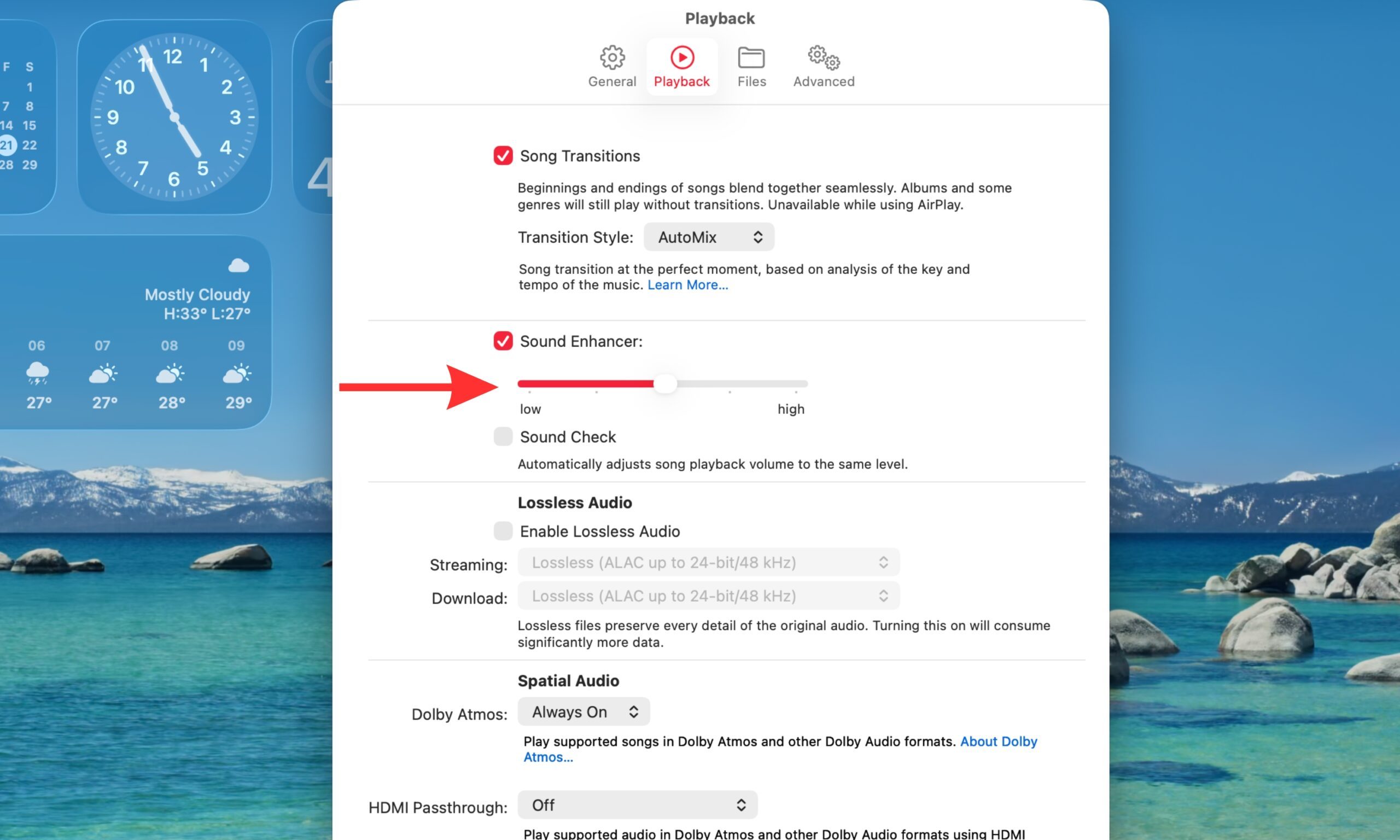
Turning it on made a noticeable difference for me; music felt less pinched and centered. It won’t add bass weight the way boosting the Equalizer’s low end does, but it meaningfully improves how “big” the sound feels. Between the two, I’d start with Sound Enhancer for everyday listening, then layer in a modest Preamp and bass boost through the Equalizer.
Just don’t expect either one to fully replace what the M1’s upward-firing speakers did for free.
Is it actually a dealbreaker?
No. Most people probably won’t notice the difference, especially if they’re coming from an older Windows laptop or an entry-level notebook. But if you’re upgrading from an M1 MacBook Air, the difference is surprisingly easy to notice. And once you hear it, it’s hard to ignore.
This is more of a PSA feature. The M5 MacBook Air offers a generational performance upgrade, but while the screen experience is only marginally better, the speakers are a noticeable downgrade. If you’re going with the 15-inch M5 MacBook Air, however, that offers a better six-speaker system. And if upward-firing speakers are a must-have, you’ll need to step up to one of Apple’s MacBook Pro models.
