



.jpg "How to Claim Your Cut of Apple’s 0 Million Siri Settlement")


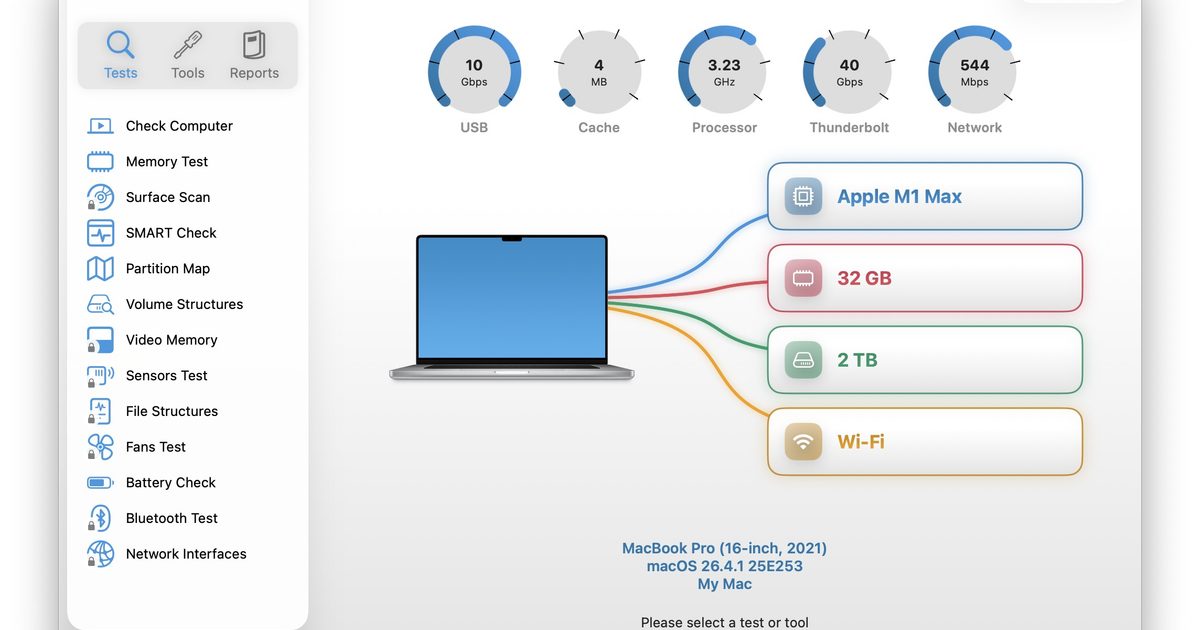
Macs have a strong reputation for being smooth and reliable, and Apple’s tight control over hardware and software is a big reason for that. Use one long enough, however, and you may still run into slowdowns, freezes, strange behavior, or that familiar feeling that something is simply off.
Apple’s own tools can help, but only to a point. Disk Utility is useful for storage-related checks, but it does not give you a wider picture of your Mac’s overall health. I recently came across Techtool Lite, a free diagnostic and maintenance app from Micromat that looks at more than just your drive.
Micromat is not new to this space, either. The company has been making Mac diagnostic and repair tools since 1989, and is best known for Techtool Pro, its paid suite for deeper testing, repair, and maintenance. Techtool Lite takes some of that diagnostic foundation and puts it into a simpler free app.
So, what can it check?
Techtool Lite offers a one-click test that runs a predefined set of essential diagnostics. It can check the SMART health of your Mac’s internal SSD or hard drive, inspect partition maps and volume structures, test memory, and show the condition of the internal battery.

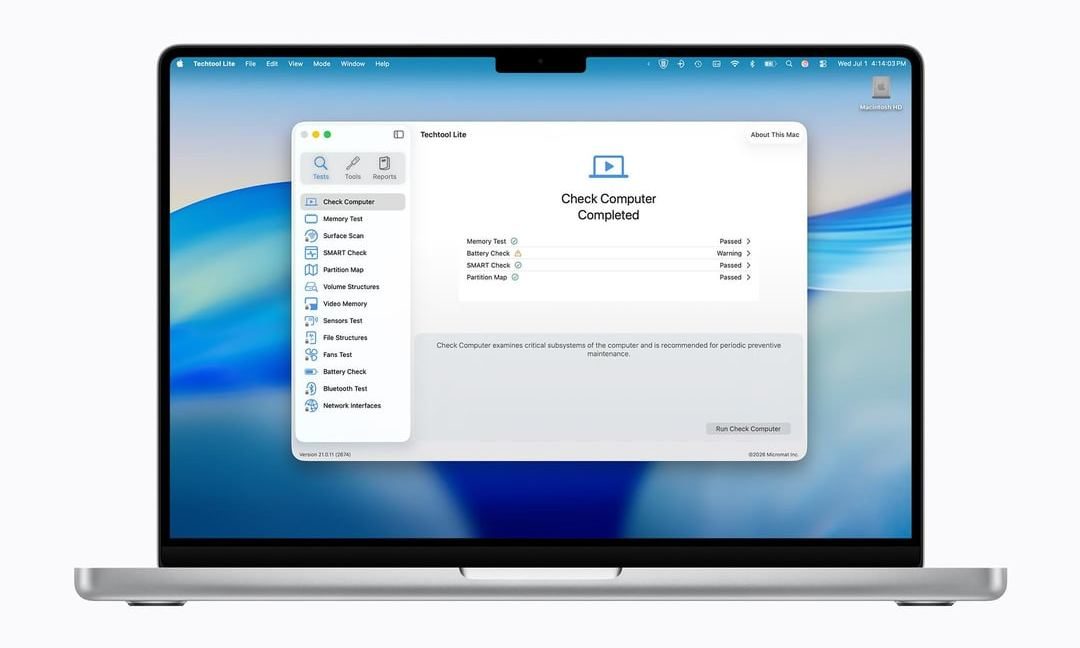
There are maintenance tools as well. You can reset system caches and rebuild important macOS databases, which may help when macOS starts behaving oddly or feels less responsive. The app also includes a network monitoring feature that shows devices and active ports on your local network. Techtool Lite supports Apple Silicon and Intel-based Macs running macOS 13.5 Ventura through macOS 26 Tahoe.
So, do you need Techtool Pro?
Techtool Pro 21 is still Micromat’s more advanced paid option. It includes deeper diagnostics, external drive testing, volume repair, file testing, fan and sensor checks, cloning, data recovery tools, and background monitoring.
For most regular users, Techtool Lite makes more sense as a starting point. It covers the checks you are more likely to run when a Mac starts feeling off, without dropping you into a full repair suite.
The only caveat is activation. Techtool Lite is free, but it requires an email address, and Micromat says that email is added to its mailing list for product news and updates. You can unsubscribe later, but it is worth knowing before signing up.
