


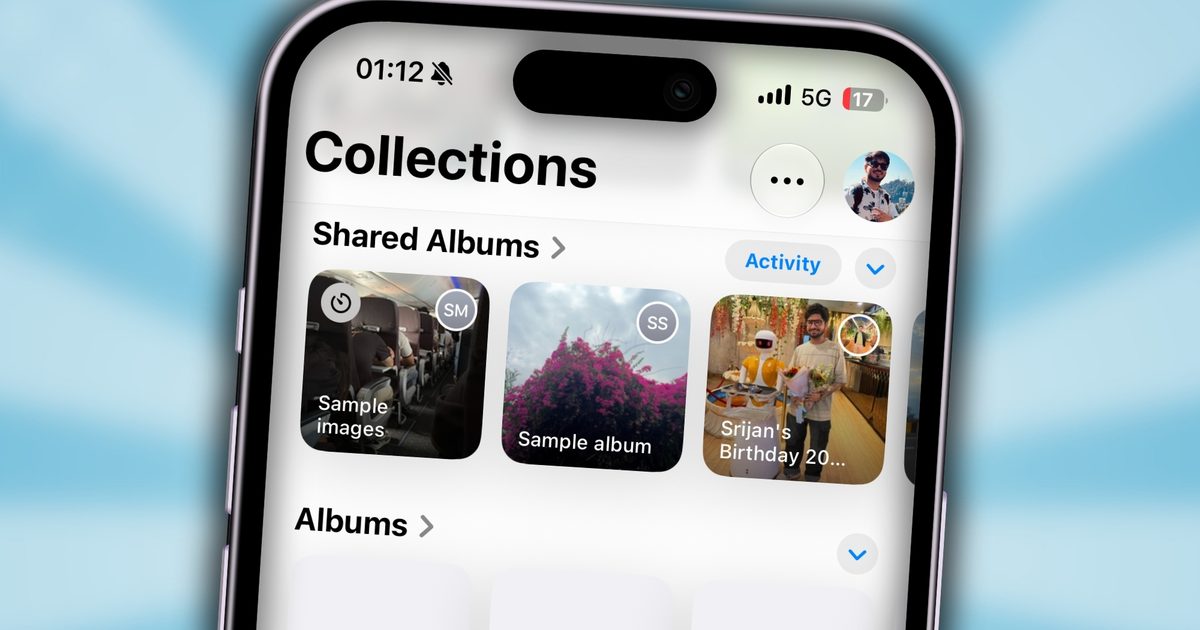


Google Photos backups are getting a little less wasteful for people who use Takeout to keep their own copy of a photo library.
This is aimed at Google Photos users who don’t want Google to be the only place their photos live, especially anyone keeping a second archive on an external drive, NAS, or another cloud service. Google says Incremental Takeout for Photos will make recurring downloads faster and more efficient once the initial archive is complete.
The first run still includes all selected photos and albums, but later runs focus on photos and videos that were uploaded, backed up, created, or edited since the last successful backup. That’s a useful fix for anyone tired of downloading the same massive archive again and again, but the catch is built into setup, Photos has to be the only product selected in Takeout for the incremental option to appear.
Why does the first backup take everything
The first run is still the baseline, not a shortcut around the biggest download. Google says it includes all selected photos and albums, so longtime Photos users should expect the initial export to remain the heavy lift.
The payoff comes after that baseline is finished. Once Takeout has a successful backup to compare against, the next recurring export can skip unchanged files instead of packaging the whole library again. That should mean fewer duplicate downloads, less wasted drive space, and a backup process that feels less punishing over time.
Why does setup have one catch
Incremental Takeout only works when Photos is the lone product selected for export. Anyone who usually bundles photos with other Google data will need to create a separate recurring export just for the library.
That limit keeps the feature focused, but it also narrows who gets the full benefit. Takeout can make Photos backups less annoying, while broader Google account archives still need their own setup, schedule, and storage planning.
What should local backup users do next
The practical move is to set up a recurring Takeout export for Photos by itself, then treat the first download as the baseline archive. After that, each successful run should make the next one smaller by leaving unchanged items behind.
Google hasn’t provided a broader rollout date beyond the announcement, and exact regional availability isn’t stated. During setup, the key check is simple, the incremental option should appear only when Photos is the sole selected product.
