




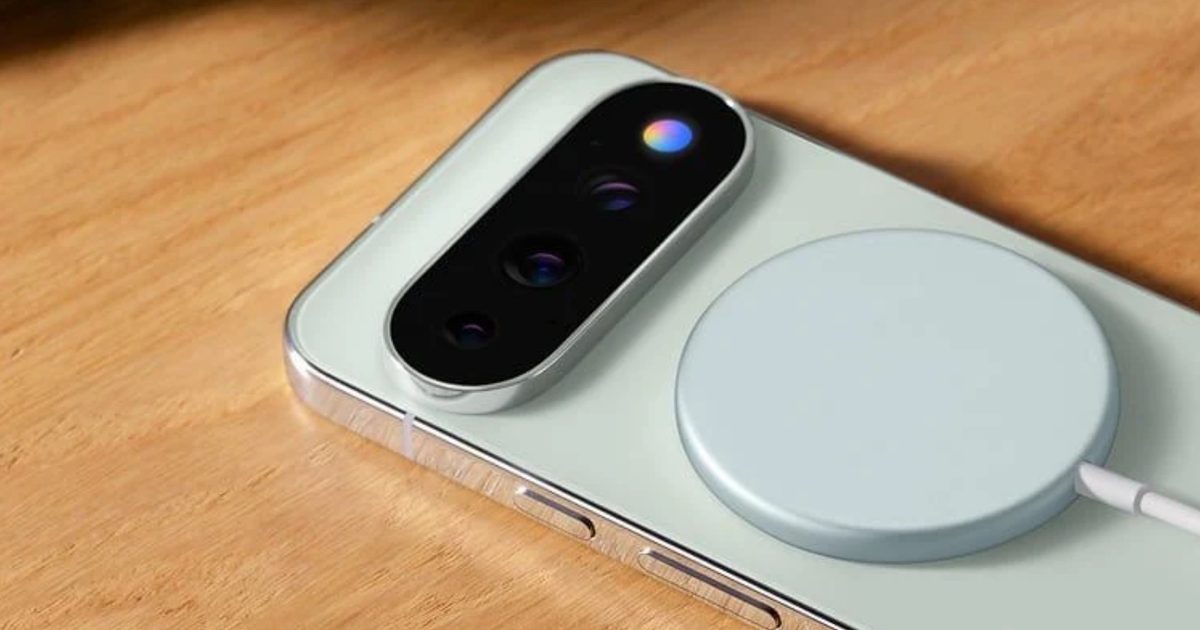
One of the most remarkable additions to the Pixel 11 series of smartphones this year is the new colorful LED notification system that Google calls “HiLight.” The core idea behind this colorful light is that you can customize it. Unfortunately, Google kept it tightly locked. For example, it only works when you are having an interaction with Gemini, or have set it as a caller identity for voice calls.
And that’s pretty much as far as it goes. Soon after Google introduced it on its latest flagship phones, enthusiasts complained that it was such a missed opportunity. Google should have allowed users to customize the light colors on a per-app basis, or perhaps dig even deeper. Well, there’s finally a fix. Tech content creator @Dhananjay_Tech (DhananjayBhosale) has created an app that fully unlocks HiLight on the Pixel 11 Pro smartphones.
The app, called HiLight Studio, lets you pick between five color options and even animate them across all eight built-in LED lights. You can configure it on a per-app basis, import and export the lighting rules, and even have it respond to quiet hours, do not disturb mode, and low battery controls. The app also lets you stretch the ambient lighting duration to five minutes, but there are a few limitations in place.
If the light is enabled for more than 10 seconds, the brightness is slightly decreased. For notifications, it will only flash for a maximum of 60 seconds. Now, before you get too excited, do keep in mind that this app is not available on the Google Play Store. That means it may not pass through all the safety protocols that Google has prescribed for developers before their apps are made available on its app repository.

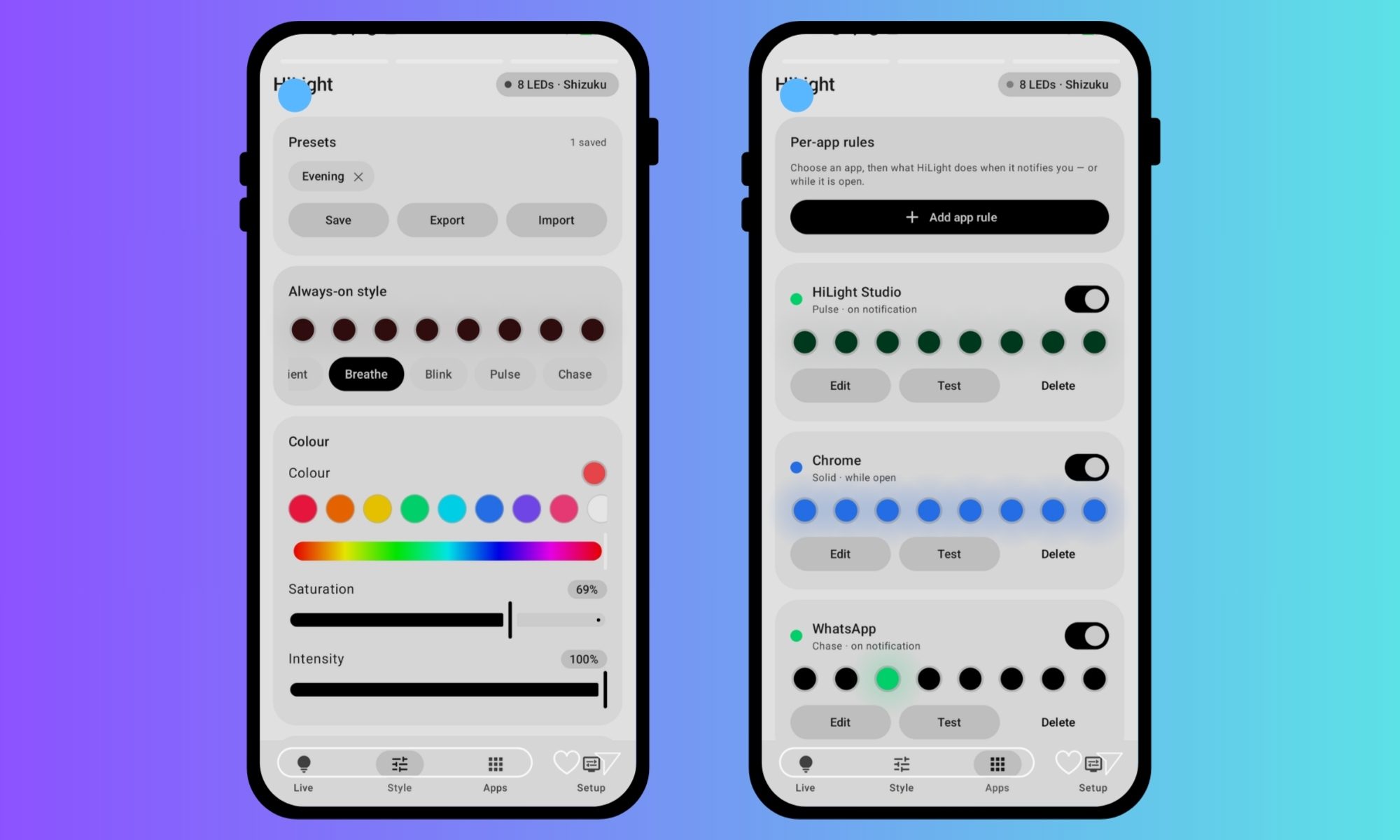
Additionally, it’s not a straightforward install. You’ll have to download the APK package, go through the developer settings on your phone, agree to install apps from third-party sources on your Pixel 11 Pro phone, and enable wireless debugging before you can set it up and get it running. Also, here’s your standard disclaimer from the developer on the GitHub repository:
“Long, continuous use of the HiLight LEDs has not been tested. If you build the project yourself, you can change the timing and safety values in your copy. Custom builds are your responsibility.”
It’s a fantastic tool, regardless, and I hope Google pays some attention to it and develops its own system that allows users to play with HiLight on their Pixel 11 Pro phones, with deep customizations in tow. The smartphones are otherwise pretty solid. I particularly enjoyed the quick Night Sight experience, and there are a bunch of software features that really push these phones into an altogether different category, where they shine owing to their software-based conveniences rather than brute hardware prowess.
