



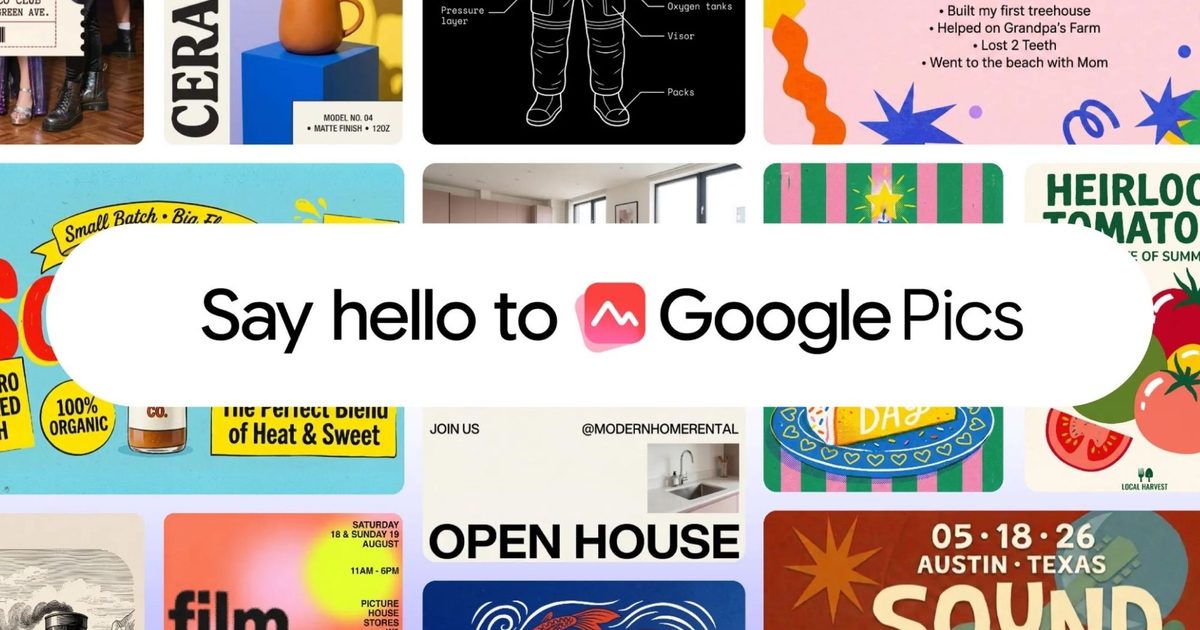
If you’ve ever spent more time tweaking a design than creating it, Google thinks it has a better solution. The company has launched Google Pics, a new AI-powered design tool that lets you create posters, flyers, presentations, and social media graphics using simple prompts instead of traditional editing tools.
Built into Google Workspace and powered by Gemini and Google’s Nano Banana image generator, Pics aims to make professional-looking visuals accessible even if you have no design experience.
How Google Pics stacks up against Canva and Adobe Express
Google Pics is entering a crowded space. Canva already has Magic Edit and Magic Eraser for object-level tweaks, plus Magic Switch for AI-powered translation built into its resize tool. Adobe Express covers similar ground through Firefly, with object insertion and its own translation feature, though less tightly integrated into the workflow.
Pics’ real advantage is never leaving Workspace, though Canva has been pushing hard in that same direction. You can tap directly on a specific object inside an image and describe exactly what should change, and everything else stays untouched.
The text embedded in an image can be edited or translated across 29 languages while preserving the original font and design. Pics also generates several variations from a single prompt, upscales images up to 4K, and crops for whatever platform you’re posting to, with teammates able to collaborate on the same design together.
Google is bringing AI design directly into Workspace
Pics lives at its own dedicated site, but it’s also built straight into Google Docs and Slides. Click an image inside either app, and the full editing toolkit opens right there, no tab switching required. Drive integration is coming in the following weeks.
Access starts today for Google AI Pro and Ultra subscribers, AI Pro for Education users, and Workspace customers on Business Standard, Business Plus, Enterprise Standard, and Enterprise Plus plans.
