



Technologist Mag
  • Home
  • Tech News
  • AI
  • Apps
  • Gadgets
  • Gaming
  • Guides
  • Laptops
  • Mobiles
  • Wearables
  • More
    • Web Stories
    • Trending
    • Press Release

Subscribe to Updates

Get the latest tech news and updates directly to your inbox.

What's On
Silent Hill: Townfall Review: Addressing The Trauma

Silent Hill: Townfall Review: Addressing The Trauma

21 September 2026
What ChatGPT Thinks It Knows About You Is Affecting Its Answers. Here’s How to Change That

What ChatGPT Thinks It Knows About You Is Affecting Its Answers. Here’s How to Change That

20 September 2026
How to Avoid Scams and Sketchy Products on Amazon (2026)

How to Avoid Scams and Sketchy Products on Amazon (2026)

20 September 2026
What You Need to Know About the Foreign-Made Router Ban in the US

What You Need to Know About the Foreign-Made Router Ban in the US

20 September 2026
Meta’s Muse Is Better at Surveilling Than Helping Me

Meta’s Muse Is Better at Surveilling Than Helping Me

20 September 2026
Facebook X (Twitter) Instagram
Technologist Mag
SUBSCRIBE
  • Home
  • Tech News
  • AI
  • Apps
  • Gadgets
  • Gaming
  • Guides
  • Laptops
  • Mobiles
  • Wearables
  • More
    • Web Stories
    • Trending
    • Press Release
Technologist Mag
Home » Gemini Spark can now use Chrome logins and saved passwords to run errands on your behalf
Tech News

Gemini Spark can now use Chrome logins and saved passwords to run errands on your behalf

By technologistmag.com31 July 20262 Mins Read
Gemini Spark can now use Chrome logins and saved passwords to run errands on your behalf
Share
Facebook Twitter Reddit Telegram Pinterest Email

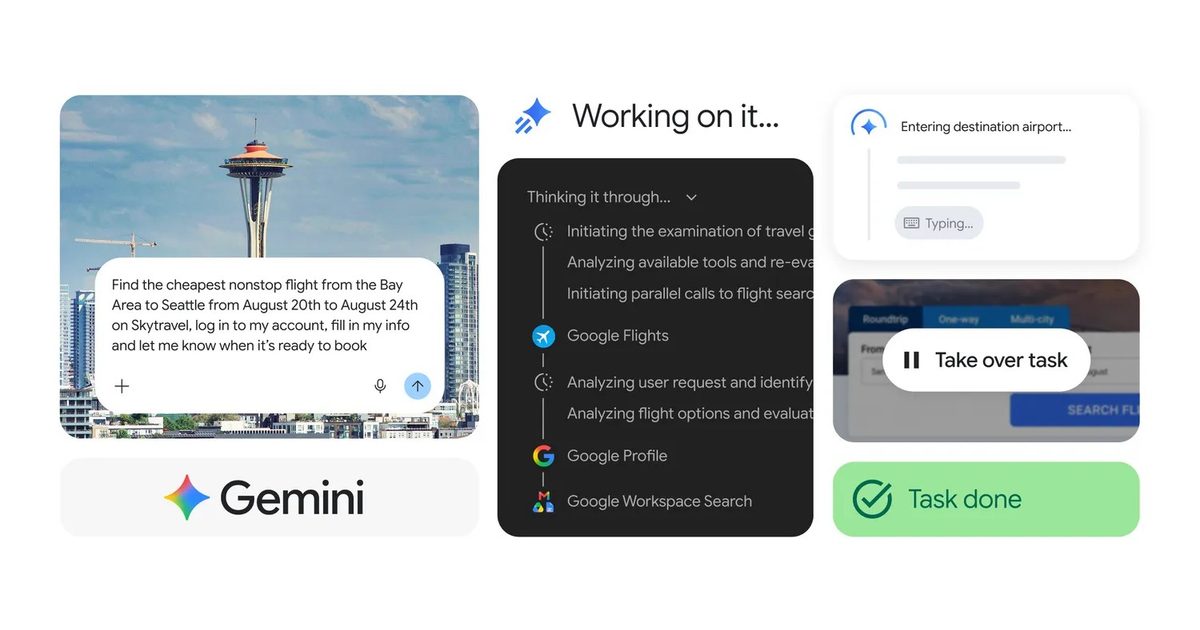
Google is integrating Gemini Spark with Chrome so it can carry web-based tasks further without users having to take over at every step. The search giant is also expanding access to AI Pro subscribers in more than 160 additional countries, although the new browser capabilities are initially limited to the United States.

How Chrome auto browse works

Chrome auto browse allows Spark to navigate websites using the accounts you are already signed into and passwords saved in the browser. Access requires permission from the user rather than being enabled automatically.

Google says Spark can use the feature to schedule viewings for saved apartment listings, compare flight options, and begin the booking process. It can move between pages and complete several steps without requiring the user to guide every action.

Spark hands control back before sensitive actions such as payments. Google also says it has added protections against prompt injection, where instructions hidden on a webpage attempt to manipulate an AI agent into performing an unintended action. Chrome auto-browse is rolling out first in the US, with additional regions expected to follow later.

Spark is reaching considerably more users

Gemini Spark launched at Google I/O in May as a cloud-based agent that can continue working after a laptop is closed or a phone is locked. It initially focused on Google services such as Gmail, Drive, Docs, Calendar, Keep, and Tasks before adding several third-party integrations.
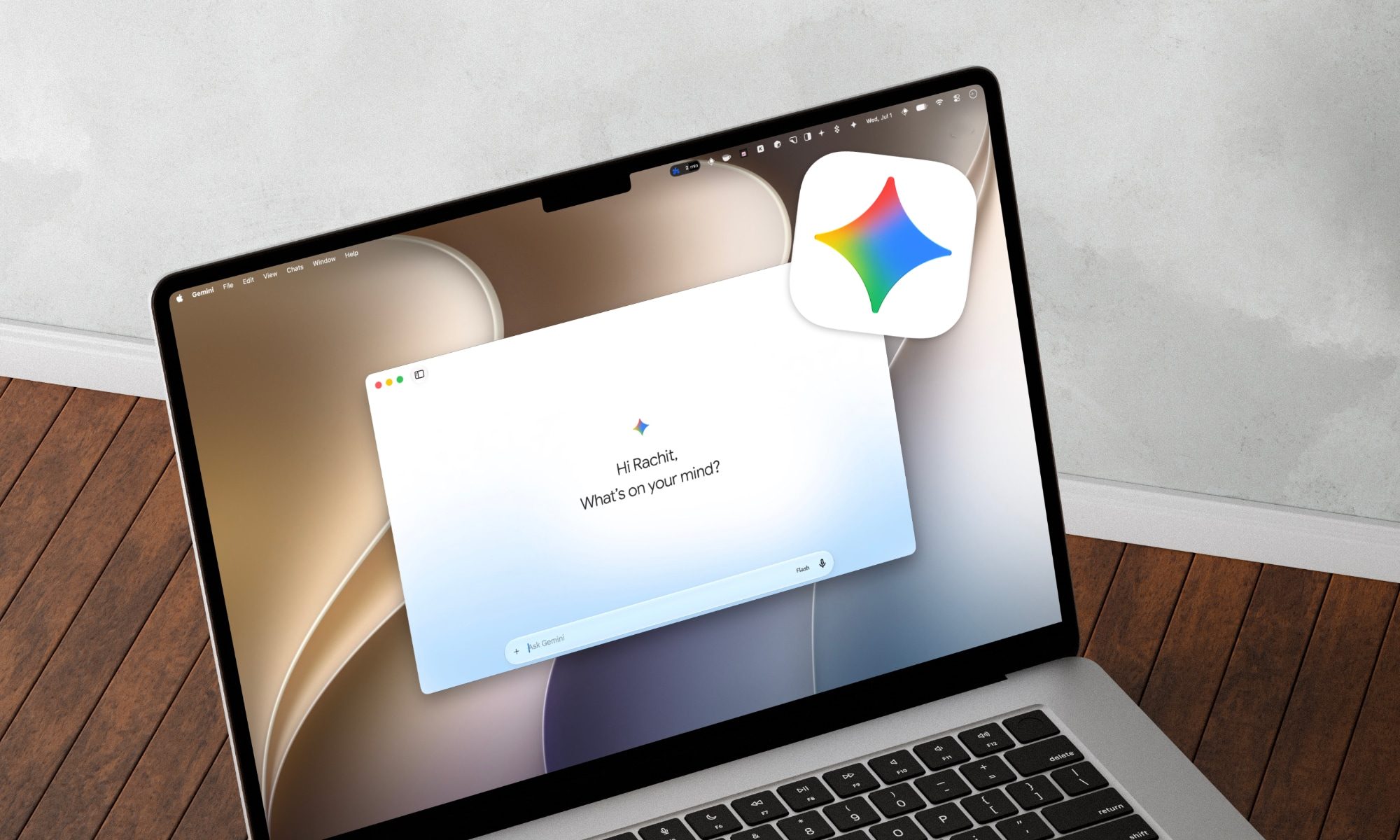
Gemini Spark mac app

Spark also arrived on the Mac in June, gaining the ability to organize local files and work across supported desktop apps. Google recently expanded access beyond its expensive Ultra subscription, bringing Spark to the $20-per-month Google AI Pro plan in the US.

Pro subscribers in more than 160 additional countries are now gaining access. Chrome integration is one of Spark’s most important upgrades so far. It removes one of the agent’s biggest limitations by allowing tasks to continue beyond connected apps instead of stopping when the next step requires navigating a website.

Share. Facebook Twitter Pinterest LinkedIn Telegram Reddit Email
Previous ArticleWhatsApp finally fixes one of its biggest storage headaches with this new cleanup tool
Next Article The World Is Too Hot. El Niño Is Partly to Blame

Related Articles

What ChatGPT Thinks It Knows About You Is Affecting Its Answers. Here’s How to Change That

What ChatGPT Thinks It Knows About You Is Affecting Its Answers. Here’s How to Change That

20 September 2026
How to Avoid Scams and Sketchy Products on Amazon (2026)

How to Avoid Scams and Sketchy Products on Amazon (2026)

20 September 2026
What You Need to Know About the Foreign-Made Router Ban in the US

What You Need to Know About the Foreign-Made Router Ban in the US

20 September 2026
Meta’s Muse Is Better at Surveilling Than Helping Me

Meta’s Muse Is Better at Surveilling Than Helping Me

20 September 2026
It’s Donald Trump Versus MAGA on Data Centers

It’s Donald Trump Versus MAGA on Data Centers

20 September 2026
Welcome to Dogs Anonymous, the Online Support Group for People With Difficult Dogs

Welcome to Dogs Anonymous, the Online Support Group for People With Difficult Dogs

20 September 2026
Stay In Touch
  • Facebook
  • Twitter
  • Pinterest
  • Instagram
  • YouTube
  • Vimeo

Subscribe to Updates

Get the latest tech news and updates directly to your inbox.

Don't Miss
What ChatGPT Thinks It Knows About You Is Affecting Its Answers. Here’s How to Change That

What ChatGPT Thinks It Knows About You Is Affecting Its Answers. Here’s How to Change That

By technologistmag.com20 September 2026

A memory of some kind is now a standard feature for an AI chatbot. The…

How to Avoid Scams and Sketchy Products on Amazon (2026)

How to Avoid Scams and Sketchy Products on Amazon (2026)

20 September 2026
What You Need to Know About the Foreign-Made Router Ban in the US

What You Need to Know About the Foreign-Made Router Ban in the US

20 September 2026
Meta’s Muse Is Better at Surveilling Than Helping Me

Meta’s Muse Is Better at Surveilling Than Helping Me

20 September 2026
It’s Donald Trump Versus MAGA on Data Centers

It’s Donald Trump Versus MAGA on Data Centers

20 September 2026
Technologist Mag
Facebook X (Twitter) Instagram Pinterest
  • Privacy
  • Terms
  • Advertise
  • Contact
© 2026 Technologist Mag. All Rights Reserved.

Type above and press Enter to search. Press Esc to cancel.