







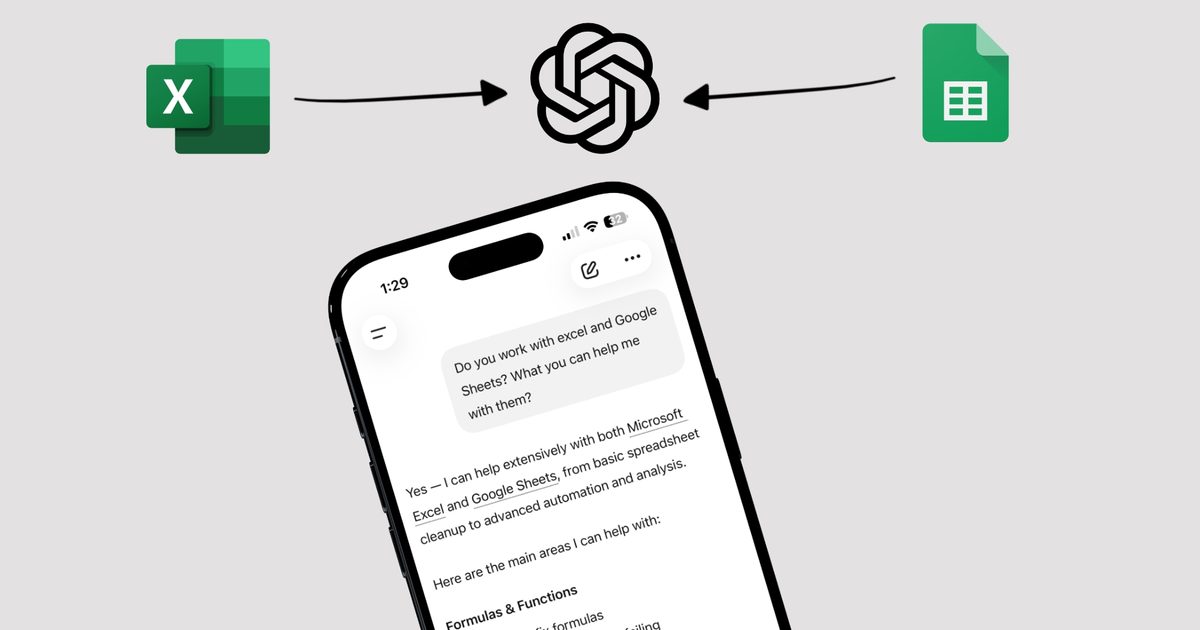
ChatGPT for Excel and Google Sheets has officially moved out of beta and is now available to everyone. OpenAI first announced the Excel beta in March, followed by Google Sheets in April. Now that it’s finally out to the public, it’s a big deal for anyone who lives inside spreadsheets for their work.
So what can it do for you?
The biggest win here is that you no longer need to leave your spreadsheet to get help. You can build entire workbooks from scratch using a simple text prompt. Need a budget tracker, a KPI dashboard, or a launch forecast? Just describe what you want, and ChatGPT handles the heavy lifting.
If you are already working on an existing spreadsheet, you can ask the AI to clean up messy data, update formulas, add new scenarios, and reformat your outputs, all in plain language.
My favorite part is the ability to ask questions about your own spreadsheet. If you are staring at a formula that doesn’t make sense or trying to figure out why the data is not adding up, you can just type your question and get a clear answer.
Is this only useful for power users?
Heavy spreadsheet users will obviously get a lot out of this, especially those managing complex financial models or multi-tab workbooks. But even casual users will find it useful. Building a simple personal budget or expense tracker from a prompt is far less intimidating than starting from a blank sheet.

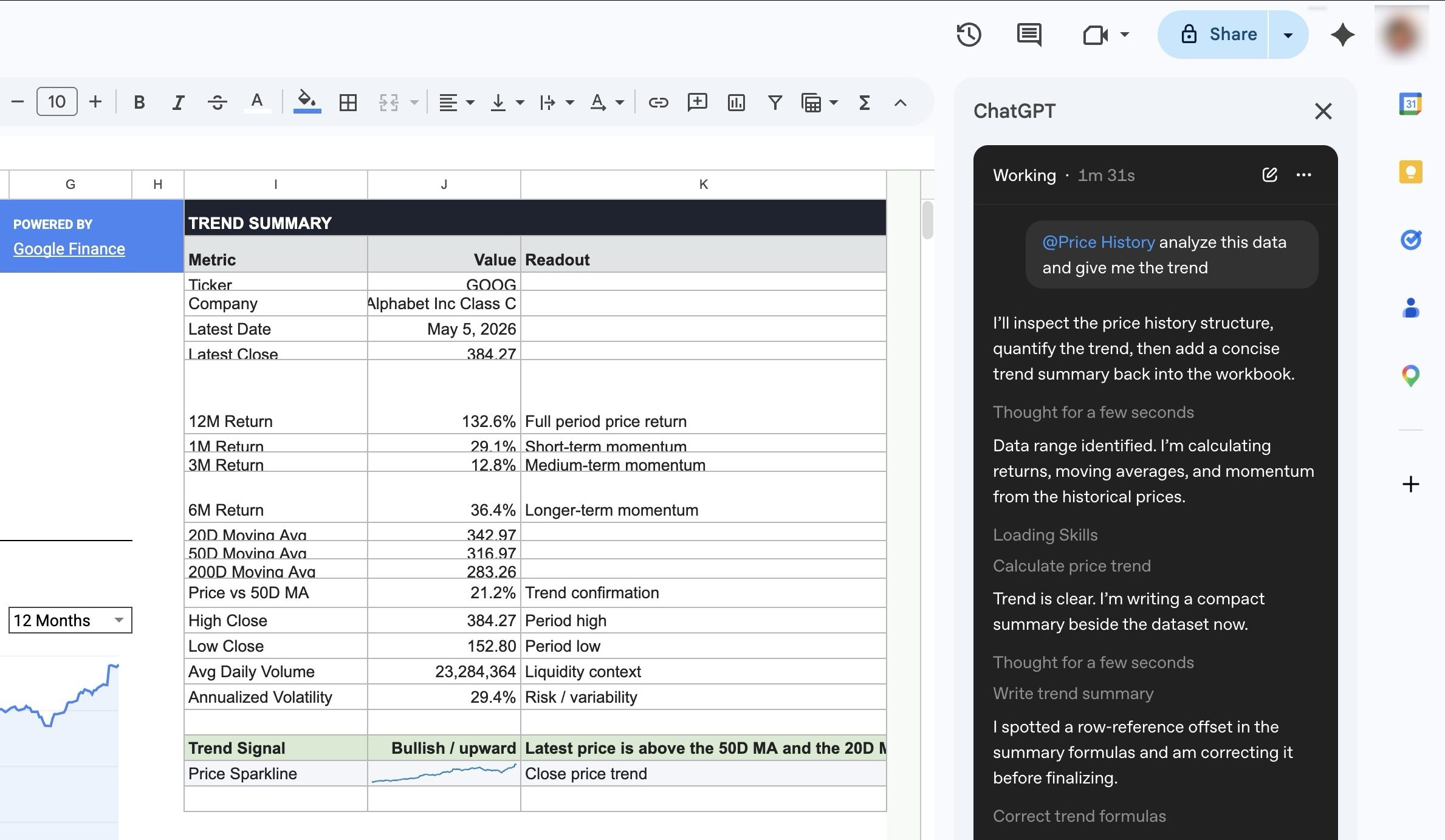
If you have ever used Google Sheets or Excel, you know that its main power is in the formulas you can create. With the help of ChatGPT integration, one can easily create these formulas with simple prompts, giving new and intermediate users a huge leg up when dealing with spreadsheets.
Both Google Sheets and Microsoft Excel integrations are fully launched and available globally across Pro, Plus, Business, Enterprise, Edu, and K-12 plans.
