



Technologist Mag
  • Home
  • Tech News
  • AI
  • Apps
  • Gadgets
  • Gaming
  • Guides
  • Laptops
  • Mobiles
  • Wearables
  • More
    • Web Stories
    • Trending
    • Press Release

Subscribe to Updates

Get the latest tech news and updates directly to your inbox.

What's On
My Week of Transparent Living With Apple’s ‘More Clear’ Liquid Glass Setting

My Week of Transparent Living With Apple’s ‘More Clear’ Liquid Glass Setting

23 July 2026
Framework is downgrading some Laptop 13 Pro orders after a massive RAM cost spike

Framework is downgrading some Laptop 13 Pro orders after a massive RAM cost spike

23 July 2026
Banning Social Media for Kids Is a Bad Idea

Banning Social Media for Kids Is a Bad Idea

23 July 2026
Proton reveals how smart TVs track you and the escape situation is pretty grim 

Proton reveals how smart TVs track you and the escape situation is pretty grim 

23 July 2026
Meta’s New Feel-Good AI Ad Uses a Song About the World Ending

Meta’s New Feel-Good AI Ad Uses a Song About the World Ending

23 July 2026
Facebook X (Twitter) Instagram
Technologist Mag
SUBSCRIBE
  • Home
  • Tech News
  • AI
  • Apps
  • Gadgets
  • Gaming
  • Guides
  • Laptops
  • Mobiles
  • Wearables
  • More
    • Web Stories
    • Trending
    • Press Release
Technologist Mag
Home » Apple could deliver automatic tab groups in Safari for iOS 27 and macOS
Tech News

Apple could deliver automatic tab groups in Safari for iOS 27 and macOS

By technologistmag.com11 May 20262 Mins Read
Apple could deliver automatic tab groups in Safari for iOS 27 and macOS
Share
Facebook Twitter Reddit Telegram Pinterest Email

Safari might finally be getting a feature that every tab hoarder secretly needs. And yes, Apple is apparently using AI to clean up the mess.

Could Safari in iOS 27 finally organize your chaotic tabs automatically?

According to Mark Gurman’s latest newsletter, Apple is testing a new Safari feature in iOS 27, iPadOS 27, and macOS 27 that can automatically organize browser tabs into groups. The feature builds on Safari’s existing Tab Groups system, which already lets users separate tabs for work, travel planning, recipes, or personal browsing.

However, instead of manually sorting everything, Safari may soon do the grouping automatically based on browsing topics and behavior. In test builds of iOS 27, users reportedly get a new “Organize Tabs” option inside Safari. When enabled, the system can automatically group tabs into topics that users browse frequently.
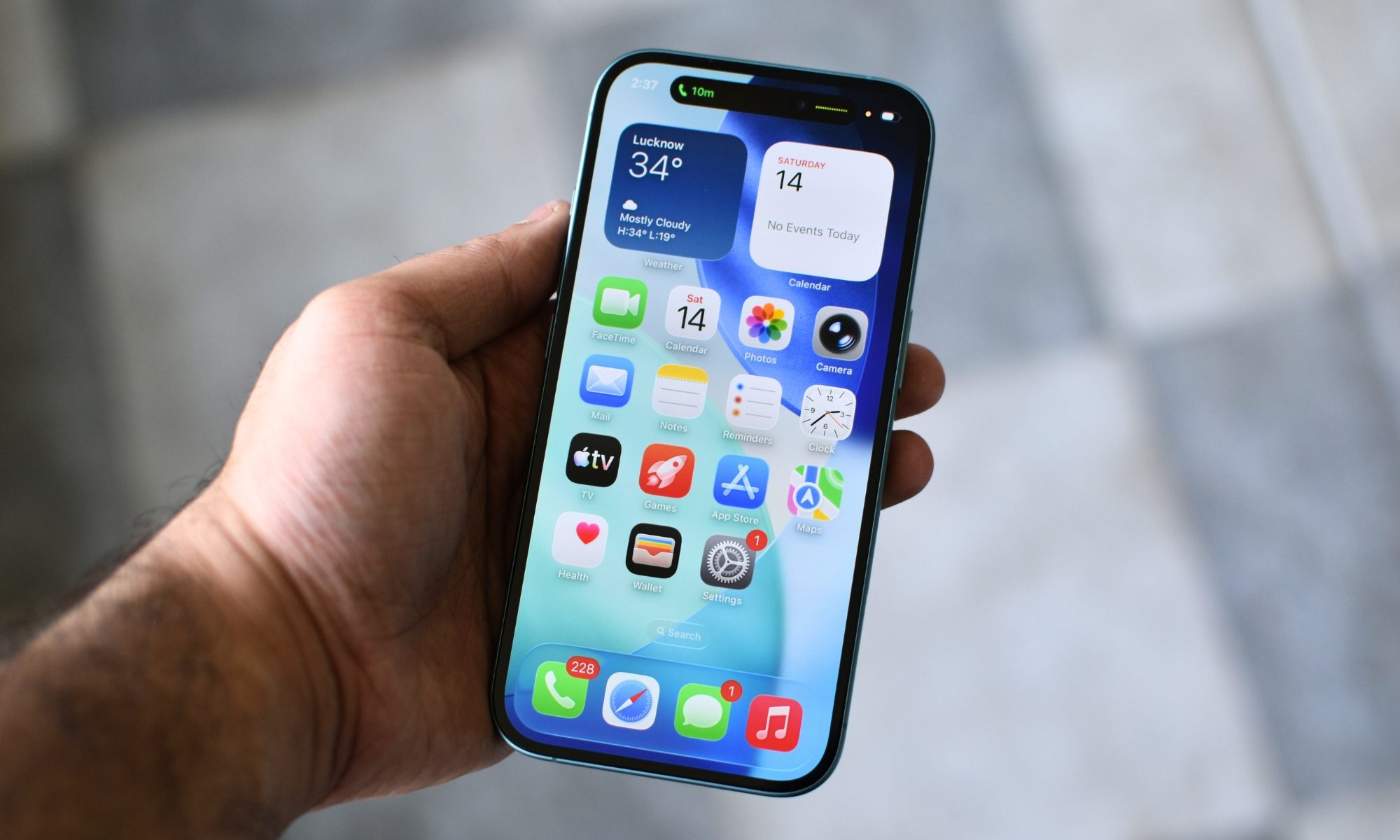
Electronics, Mobile Phone, Phone

It’s worth noting that Apple is not explicitly branding this as an Apple Intelligence feature, but let’s be honest, tabs do not magically organize themselves. Some form of AI is clearly doing the heavy lifting in the background. Additionally, the system is designed to work quietly and passively, meaning users may not need to constantly manage or rename groups manually. Instead, Safari simply keeps related tabs together automatically over time.

AI done right?

We’ve long discussed improvements to Safari’s tabs to make it better, and it’s nice that Apple is finally bringing more quality-of-life changes. This also lines up perfectly with what iOS 27 is rumored to focus on overall. Instead of flashy redesigns, chatbot gimmicks, or AI-generated wallpapers, this is the kind of feature people will probably use every single day without even thinking about it.

iPhone in Hand use

Apple seems to be leaning into refinement, usability, and quietly fixing everyday annoyances that have piled up over the years. And honestly, that might be the smarter approach.

Share. Facebook Twitter Pinterest LinkedIn Telegram Reddit Email
Previous ArticleI let this Galaxy S26 feature handle my battery, and it actually works
Next Article Samsung Galaxy S25 series just landed the big One UI 8.5 update in the US

Related Articles

My Week of Transparent Living With Apple’s ‘More Clear’ Liquid Glass Setting

My Week of Transparent Living With Apple’s ‘More Clear’ Liquid Glass Setting

23 July 2026
Framework is downgrading some Laptop 13 Pro orders after a massive RAM cost spike

Framework is downgrading some Laptop 13 Pro orders after a massive RAM cost spike

23 July 2026
Banning Social Media for Kids Is a Bad Idea

Banning Social Media for Kids Is a Bad Idea

23 July 2026
Proton reveals how smart TVs track you and the escape situation is pretty grim 

Proton reveals how smart TVs track you and the escape situation is pretty grim 

23 July 2026
Meta’s New Feel-Good AI Ad Uses a Song About the World Ending

Meta’s New Feel-Good AI Ad Uses a Song About the World Ending

23 July 2026
Samsung finally switched to silicon-carbon battery on Galaxy Z Fold 8. What’s so special about it?

Samsung finally switched to silicon-carbon battery on Galaxy Z Fold 8. What’s so special about it?

23 July 2026
Stay In Touch
  • Facebook
  • Twitter
  • Pinterest
  • Instagram
  • YouTube
  • Vimeo

Subscribe to Updates

Get the latest tech news and updates directly to your inbox.

Don't Miss
Framework is downgrading some Laptop 13 Pro orders after a massive RAM cost spike

Framework is downgrading some Laptop 13 Pro orders after a massive RAM cost spike

By technologistmag.com23 July 2026

Framework delivered rare good news last month when it found a cheaper and better SSD…

Banning Social Media for Kids Is a Bad Idea

Banning Social Media for Kids Is a Bad Idea

23 July 2026
Proton reveals how smart TVs track you and the escape situation is pretty grim 

Proton reveals how smart TVs track you and the escape situation is pretty grim 

23 July 2026
Meta’s New Feel-Good AI Ad Uses a Song About the World Ending

Meta’s New Feel-Good AI Ad Uses a Song About the World Ending

23 July 2026
Samsung finally switched to silicon-carbon battery on Galaxy Z Fold 8. What’s so special about it?

Samsung finally switched to silicon-carbon battery on Galaxy Z Fold 8. What’s so special about it?

23 July 2026
Technologist Mag
Facebook X (Twitter) Instagram Pinterest
  • Privacy
  • Terms
  • Advertise
  • Contact
© 2026 Technologist Mag. All Rights Reserved.

Type above and press Enter to search. Press Esc to cancel.