


Technologist Mag
  • Home
  • Tech News
  • AI
  • Apps
  • Gadgets
  • Gaming
  • Guides
  • Laptops
  • Mobiles
  • Wearables
  • More
    • Web Stories
    • Trending
    • Press Release

Subscribe to Updates

Get the latest tech news and updates directly to your inbox.

What's On
Google Play users in the US can now pay with Venmo

Google Play users in the US can now pay with Venmo

10 August 2026
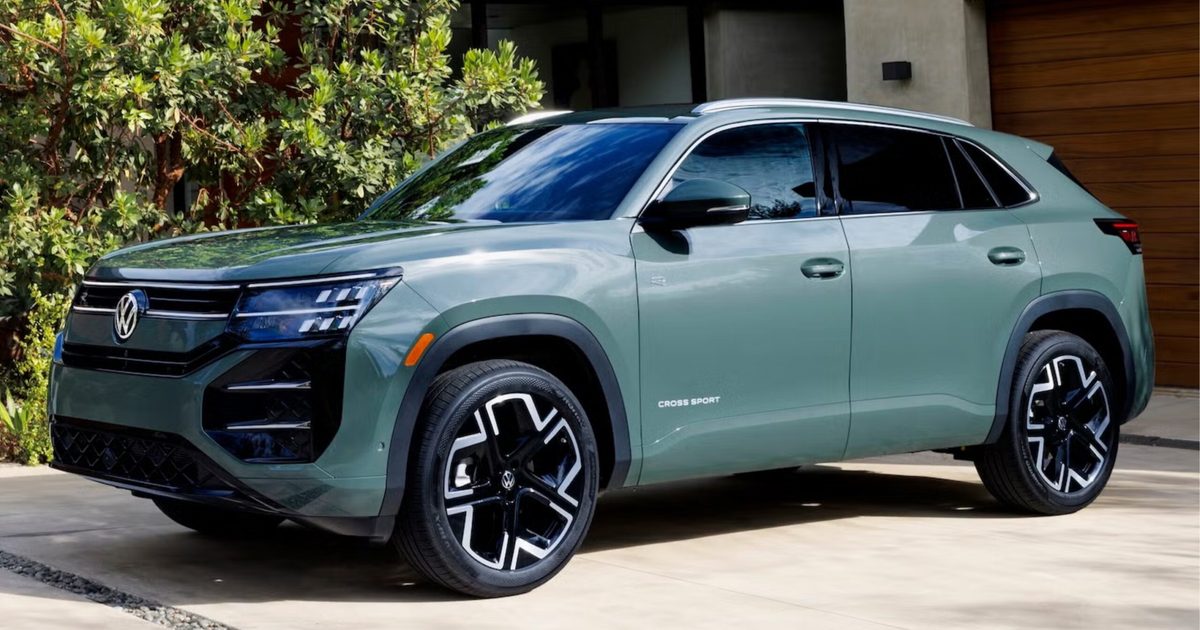
Volkswagen just gave the Atlas Cross Sport more power, more features, and more personality

Volkswagen just gave the Atlas Cross Sport more power, more features, and more personality

10 August 2026
Why Each Octopus Arm Has a Mind of Its Own

Why Each Octopus Arm Has a Mind of Its Own

10 August 2026
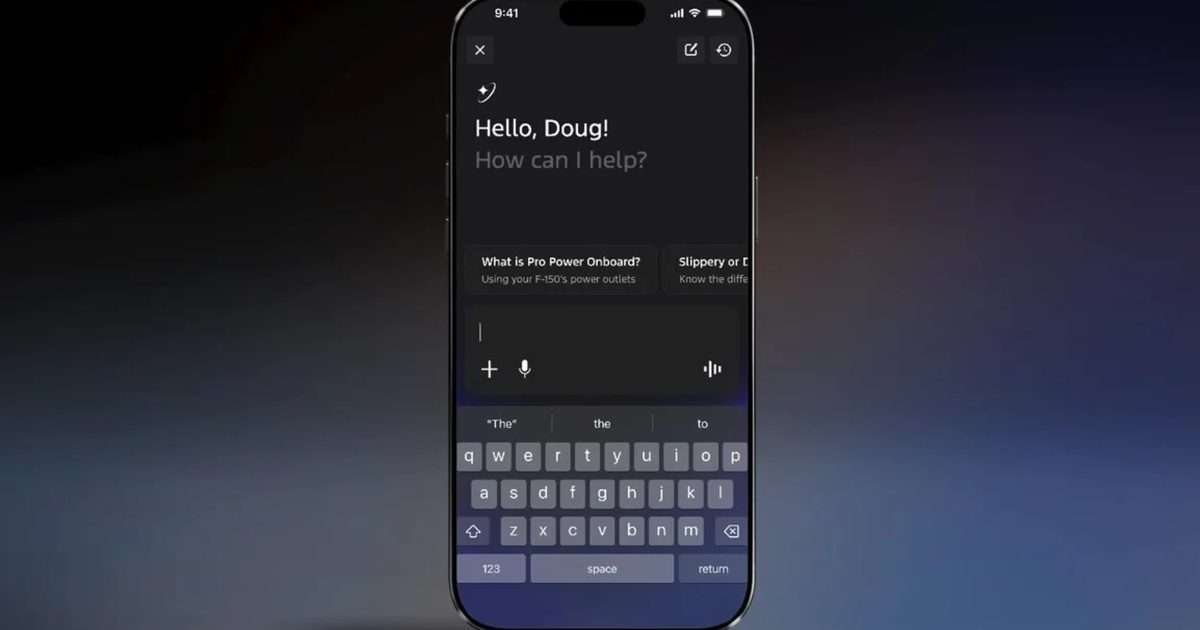
Ford’s new AI assistant saves you from googling that dashboard warning light

Ford’s new AI assistant saves you from googling that dashboard warning light

10 August 2026
Way Of The Sword Isn’t An Open World – Aug 10, 2026

Way Of The Sword Isn’t An Open World – Aug 10, 2026

10 August 2026
Facebook X (Twitter) Instagram
Technologist Mag
SUBSCRIBE
  • Home
  • Tech News
  • AI
  • Apps
  • Gadgets
  • Gaming
  • Guides
  • Laptops
  • Mobiles
  • Wearables
  • More
    • Web Stories
    • Trending
    • Press Release
Technologist Mag
Home » Amazon app now takes you shopping straight from the iPhone’s lock screen
Tech News

Amazon app now takes you shopping straight from the iPhone’s lock screen

By technologistmag.com3 June 20262 Mins Read
Amazon app now takes you shopping straight from the iPhone’s lock screen
Share
Facebook Twitter Reddit Telegram Pinterest Email

Opening the Amazon app, tapping the search bar, and finding a product by text or image search: this is how most of us have been using it. However, Amazon thinks that’s too many steps. 

The company has rolled out six new visual search features, one of them being the Amazon Lens widget for iPhone. It puts a camera shortcut directly on your iPhone’s lock screen, so you can point it at anything around you and the app finds it before you’ve unlocked the phone. 

How to add the Amazon Lens widget?

Adding the widget is quite straightforward. When unlocked, press and hold the lock screen, and then tap on the Customize button at the bottom. 

In the lock screen editing mode, hit the “Add Widgets,” select Amazon from the list of apps, and swipe to find the Amazon Lens widget. Tap or drag it to your lock screen, and that’s it. 

You can also add Amazon’s existing Search and Orders widget alongside the Lens widget. Fair warning: this will turn your lock screen into an Amazon shopping panel for finding products, running text-based searches, and tracking deliveries. 

Electronics, Mobile Phone, Phone

What is the need for a lock screen shopping widget?

The need isn’t obvious, until you think about and understand how the concept of impulsive shopping works. When you spot something you want, you have a narrow window before distraction takes over. Either you forget about it or you get enough time to contemplate whether you actually need it. 

Even if you stay motivated, the process of unlocking your phone, opening Amazon, finding the product, includes several steps. There are chances that you might change your mind mid-way, costing Amazon a potential sale. That is where the lock screen widget earns its place. 

It shortens the buying process to a single tap, one doesn’t even require unlocking your phone. The entire point of the wizard is to make sure Amazon is the first thing you reach for when you spot something worth buying.

Share. Facebook Twitter Pinterest LinkedIn Telegram Reddit Email
Previous ArticleMina The Hollower Sold 300,000 Copies In Three Days, Helping Yacht Club Escape ‘Make Or Break’ Moment But It Could Be Doing Better
Next Article xAI Asks Court to Strip Alleged Grok Deepfake Nudes Victims of Anonymity

Related Articles

Google Play users in the US can now pay with Venmo

Google Play users in the US can now pay with Venmo

10 August 2026
Volkswagen just gave the Atlas Cross Sport more power, more features, and more personality

Volkswagen just gave the Atlas Cross Sport more power, more features, and more personality

10 August 2026
Why Each Octopus Arm Has a Mind of Its Own

Why Each Octopus Arm Has a Mind of Its Own

10 August 2026
Ford’s new AI assistant saves you from googling that dashboard warning light

Ford’s new AI assistant saves you from googling that dashboard warning light

10 August 2026
Best Wireless Earbuds We’d Buy Right Now (2026): Apple, Sony, Bose, and More

Best Wireless Earbuds We’d Buy Right Now (2026): Apple, Sony, Bose, and More

10 August 2026
Google is testing an AI-first homepage, and the Search button is reportedly taking a back seat

Google is testing an AI-first homepage, and the Search button is reportedly taking a back seat

10 August 2026
Stay In Touch
  • Facebook
  • Twitter
  • Pinterest
  • Instagram
  • YouTube
  • Vimeo

Subscribe to Updates

Get the latest tech news and updates directly to your inbox.

Don't Miss
Volkswagen just gave the Atlas Cross Sport more power, more features, and more personality

Volkswagen just gave the Atlas Cross Sport more power, more features, and more personality

By technologistmag.com10 August 2026

I’ve always thought the Atlas Cross Sport looked like an Atlas that didn’t quite find…

Why Each Octopus Arm Has a Mind of Its Own

Why Each Octopus Arm Has a Mind of Its Own

10 August 2026
Ford’s new AI assistant saves you from googling that dashboard warning light

Ford’s new AI assistant saves you from googling that dashboard warning light

10 August 2026
Way Of The Sword Isn’t An Open World – Aug 10, 2026

Way Of The Sword Isn’t An Open World – Aug 10, 2026

10 August 2026
Best Wireless Earbuds We’d Buy Right Now (2026): Apple, Sony, Bose, and More

Best Wireless Earbuds We’d Buy Right Now (2026): Apple, Sony, Bose, and More

10 August 2026
Technologist Mag
Facebook X (Twitter) Instagram Pinterest
  • Privacy
  • Terms
  • Advertise
  • Contact
© 2026 Technologist Mag. All Rights Reserved.

Type above and press Enter to search. Press Esc to cancel.