


Technologist Mag
  • Home
  • Tech News
  • AI
  • Apps
  • Gadgets
  • Gaming
  • Guides
  • Laptops
  • Mobiles
  • Wearables
  • More
    • Web Stories
    • Trending
    • Press Release

Subscribe to Updates

Get the latest tech news and updates directly to your inbox.

What's On
HelloFresh Promo Codes: 55% Off for July 2026

HelloFresh Promo Codes: 55% Off for July 2026

15 July 2026
Samsung wants its upcoming Galaxy Watch to be your AI health companion

Samsung wants its upcoming Galaxy Watch to be your AI health companion

15 July 2026
Hydrow Discount Code: Save Up to 0 | July 2026

Hydrow Discount Code: Save Up to $150 | July 2026

15 July 2026
Samsung’s new Flex Titanium tech could make foldable creases less noticeable

Samsung’s new Flex Titanium tech could make foldable creases less noticeable

15 July 2026
Western Digital Promo Code: 15% Off

Western Digital Promo Code: 15% Off

15 July 2026
Facebook X (Twitter) Instagram
Technologist Mag
SUBSCRIBE
  • Home
  • Tech News
  • AI
  • Apps
  • Gadgets
  • Gaming
  • Guides
  • Laptops
  • Mobiles
  • Wearables
  • More
    • Web Stories
    • Trending
    • Press Release
Technologist Mag
Home » A developer built Quick Share from scratch for phones Google forgot, and it actually works
Tech News

A developer built Quick Share from scratch for phones Google forgot, and it actually works

By technologistmag.com25 May 20262 Mins Read
A developer built Quick Share from scratch for phones Google forgot, and it actually works
Share
Facebook Twitter Reddit Telegram Pinterest Email

Google’s Quick Share is the kind of feature you don’t think about until the day you need it and your phone simply doesn’t have it. Huawei device owners live in that reality permanently, given that they don’t have access to Google Play services, and so does anyone running the Chinese regional build of Android. 

However, a developer with the handle Kyujin-cho just published an open-source Android app called Bada on GitHub that seems to solve exactly this problem. It does so by implementing Google’s own Quick Share protocol from scratch, circumventing the lack of Google Play Services.

What does Bada actually do?

Once Bada is installed on a device that lacks Quick Share, it becomes fully interoperable with any Quick Share-equipped Android device nearby on the same Wi-Fi network. The same four-digit PIN confirmation process that users already know shows up on both the sending and receiving sides. 

Using the app, people can send files from any Android app (via the system share sheet), receive files to a specific folder, and even send entire folders, with the directory structure intact. Like Quick Share, the app supports Wi-Fi LAN as the transfer route, with BLE-based identification for devices running on stock Android and Samsung’s One UI.

Testing has already confirmed that Bada works with Galaxy S26 Ultra and Z Fold 7 over BLE GATT bootstrap. NearDrop on macOS and Quick Share on Windows are listed as targets; however, they remain untested.

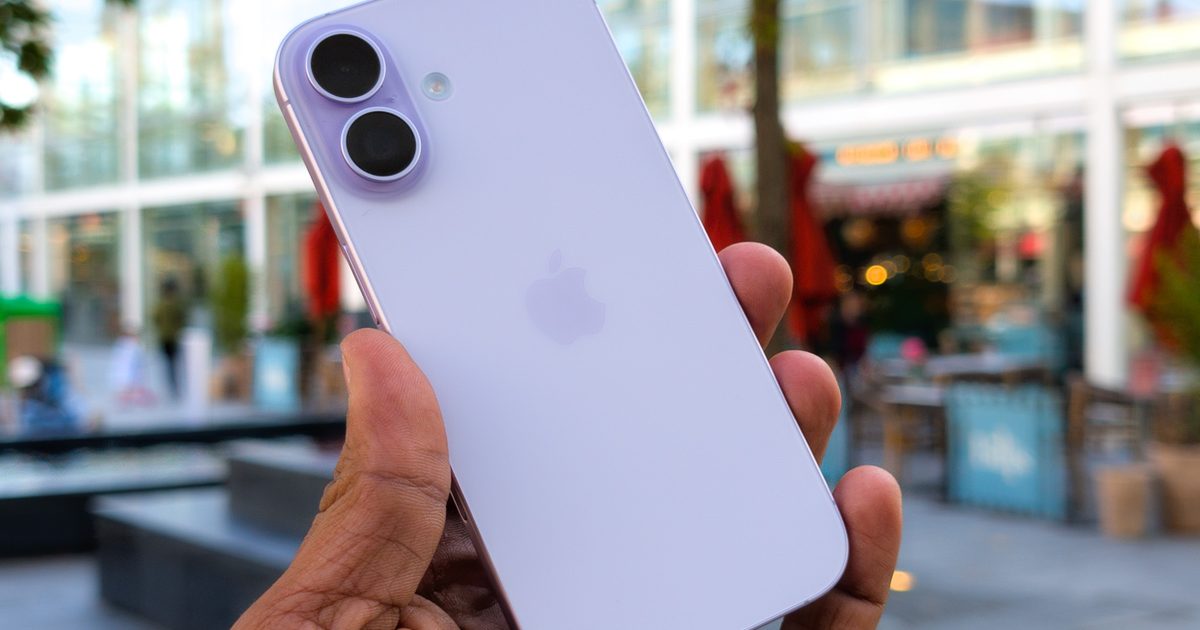
iPhone receiving file via quick share qr code

Should you actually use it right now?

According to Android Authority’s hands-on testing, the app experience isn’t exactly seamless when sharing files from a Quick Share device to a Bada device. Windows transfers completely failed. 

The project sits at 10 GitHub stars and one fork, which is still early-project territory by all means. The codebase is open-source, meaning anyone with the technical know-how can verify what it’s actually doing with their files. 

The app itself confirms that transfers still use Quick Share’s encryption method. The developer explicitly targets interoperability with NearDrop and Windows Quick Share for the near future. 

In my opinion, Bada won’t replace Quick Share for most people, but for Huawei users, along with the Chinese Android users Google quietly left behind, or for any other Android user whose phone doesn’t ship with Quick Share out of the box, it’s the closest thing to a real solution anyone has bothered to build.

Share. Facebook Twitter Pinterest LinkedIn Telegram Reddit Email
Previous ArticleInefficient And Laborious – The Ongoing Path To Making Deltarune
Next Article Copilot is getting a sidebar treatment for Windows 11, just like Gemini in Chrome

Related Articles

HelloFresh Promo Codes: 55% Off for July 2026

HelloFresh Promo Codes: 55% Off for July 2026

15 July 2026
Samsung wants its upcoming Galaxy Watch to be your AI health companion

Samsung wants its upcoming Galaxy Watch to be your AI health companion

15 July 2026
Hydrow Discount Code: Save Up to 0 | July 2026

Hydrow Discount Code: Save Up to $150 | July 2026

15 July 2026
Samsung’s new Flex Titanium tech could make foldable creases less noticeable

Samsung’s new Flex Titanium tech could make foldable creases less noticeable

15 July 2026
Western Digital Promo Code: 15% Off

Western Digital Promo Code: 15% Off

15 July 2026
Canva Code 2.0 just made vibe coding way less intimidating for everyone

Canva Code 2.0 just made vibe coding way less intimidating for everyone

15 July 2026
Stay In Touch
  • Facebook
  • Twitter
  • Pinterest
  • Instagram
  • YouTube
  • Vimeo

Subscribe to Updates

Get the latest tech news and updates directly to your inbox.

Don't Miss
Samsung wants its upcoming Galaxy Watch to be your AI health companion

Samsung wants its upcoming Galaxy Watch to be your AI health companion

By technologistmag.com15 July 2026

Samsung’s July 22 Galaxy Unpacked event won’t be all about new foldables. The company has…

Hydrow Discount Code: Save Up to 0 | July 2026

Hydrow Discount Code: Save Up to $150 | July 2026

15 July 2026
Samsung’s new Flex Titanium tech could make foldable creases less noticeable

Samsung’s new Flex Titanium tech could make foldable creases less noticeable

15 July 2026
Western Digital Promo Code: 15% Off

Western Digital Promo Code: 15% Off

15 July 2026
Canva Code 2.0 just made vibe coding way less intimidating for everyone

Canva Code 2.0 just made vibe coding way less intimidating for everyone

15 July 2026
Technologist Mag
Facebook X (Twitter) Instagram Pinterest
  • Privacy
  • Terms
  • Advertise
  • Contact
© 2026 Technologist Mag. All Rights Reserved.

Type above and press Enter to search. Press Esc to cancel.